Home
All cases
Native Desktop · Tauri 2 · Solo + AI · 6 days

A desktop SaaS
for engineers.
Shipped in 6 days.

Tauri 2 + Next.js + Supabase. macOS and Windows installers. 38 releases tagged. 98 commits. Zero hires. Public on GitHub.

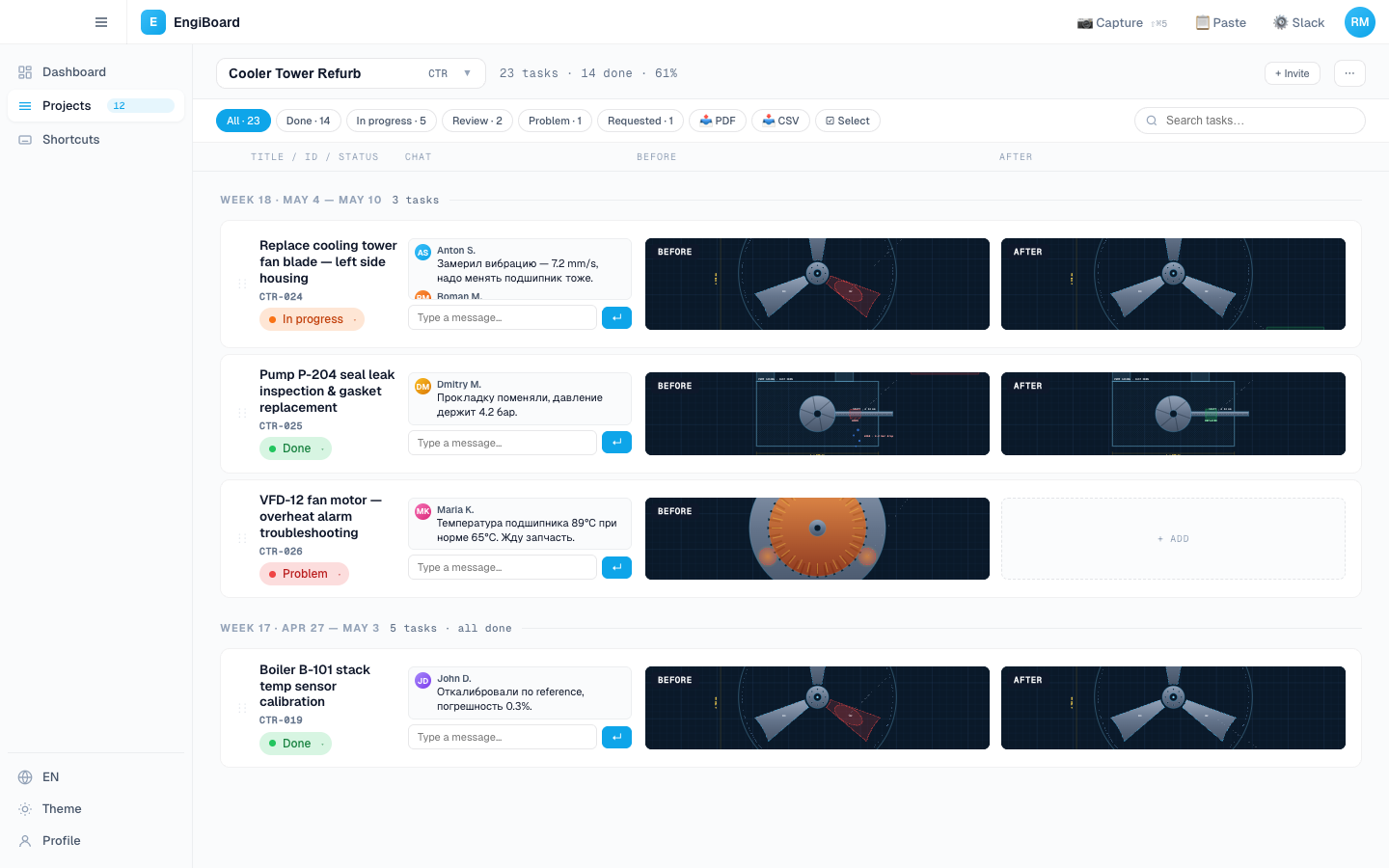
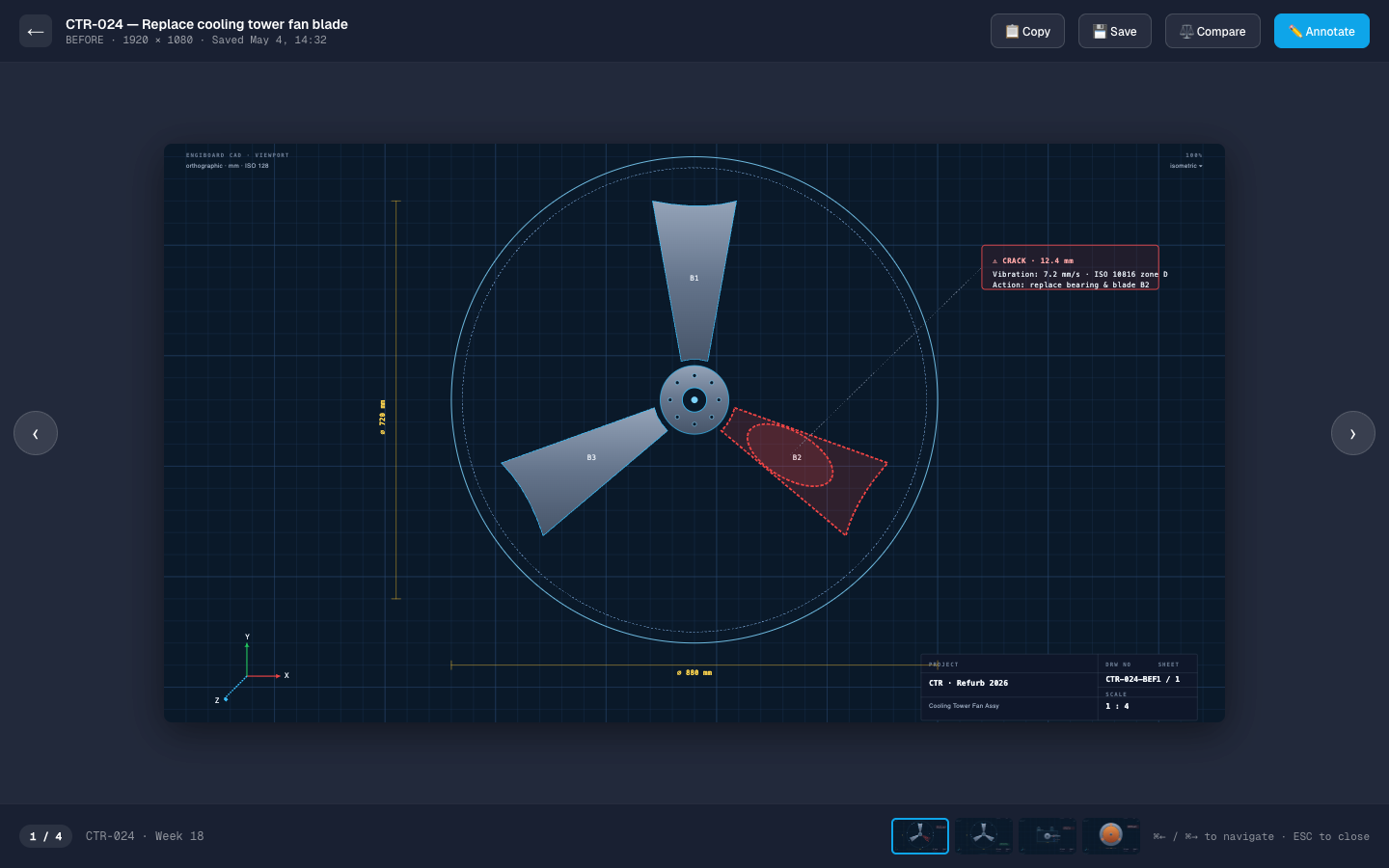
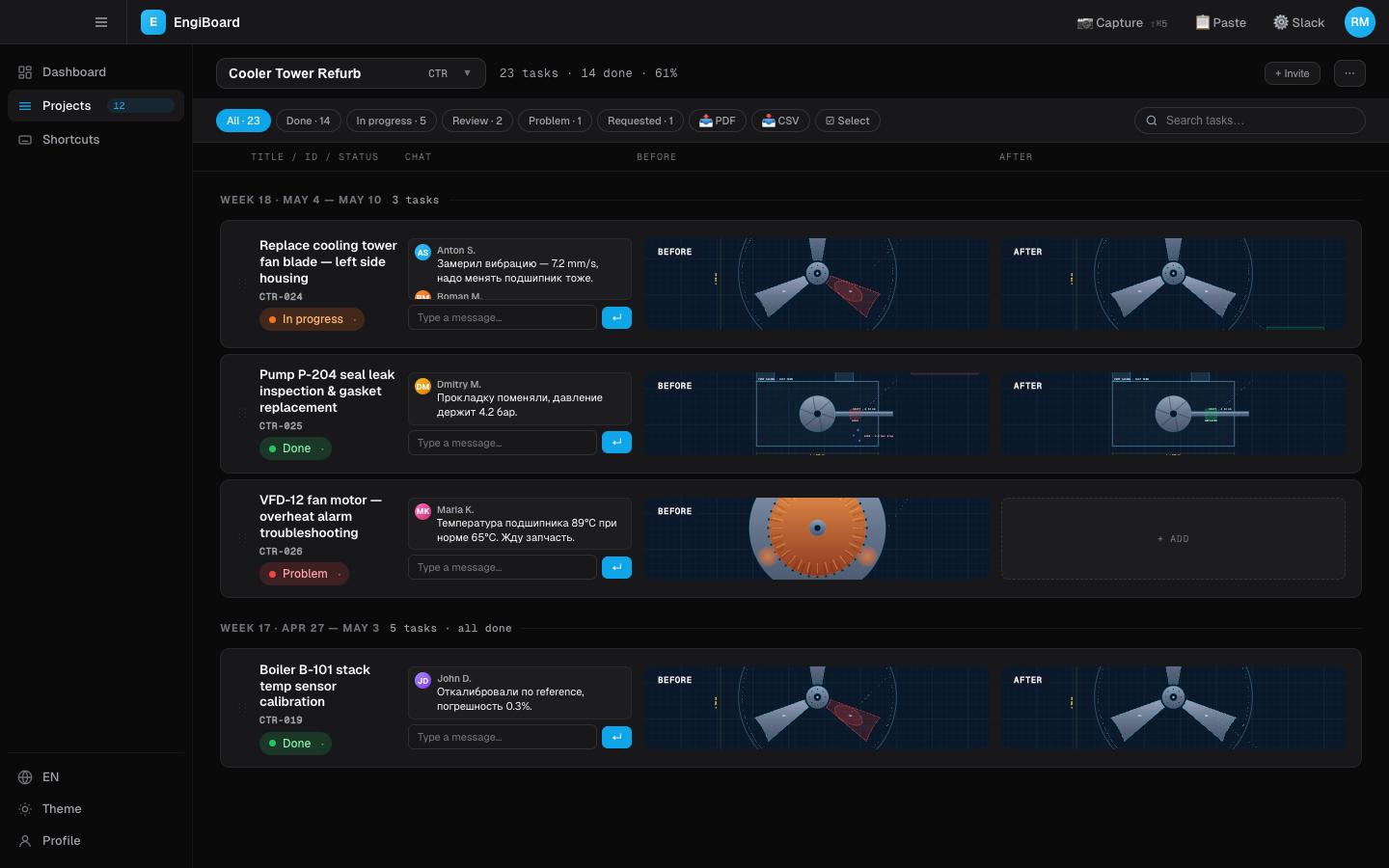
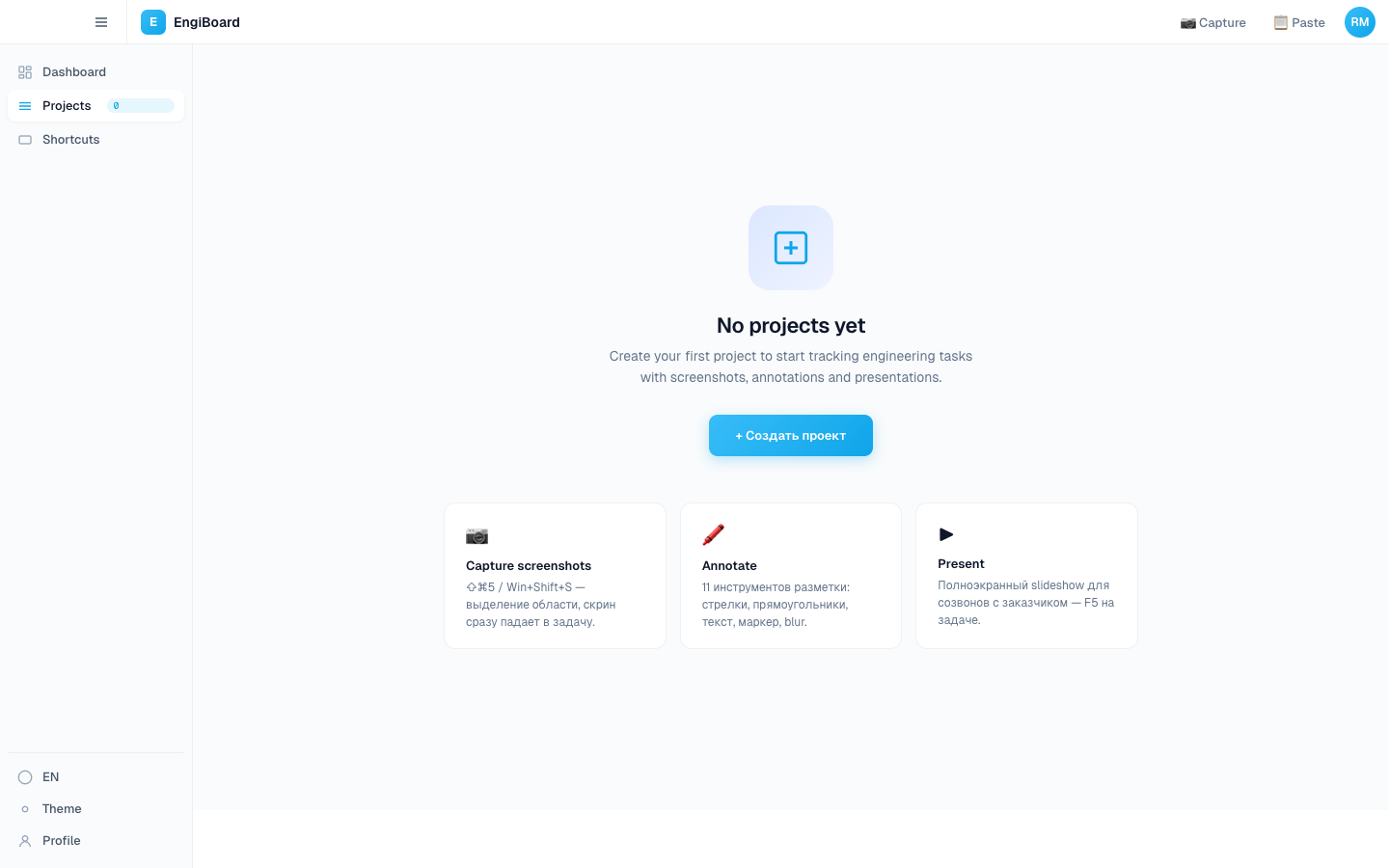
EngiBoard main task list with project sidebar and image-anchored tasks
6
Days, 7 hours
38
Releases tagged
98
Commits
"The first tool that does the actual loop I'm doing on site, instead of three half-tools I have to glue together."
Aleksey Stepikin Founder · Designer · Engineer
About

A native desktop tracker for engineers who run before/after photo reports on construction sites and production floors. Built first for the founder himself — then for two real Windows-only clients in production QA.

ProjectEngiBoard Desktop
StackTauri 2 · Next.js · Supabase
TimelineApr 28 → May 4 · 6 days, 7h
Statusv0.1.38 · live in production
Process

Seven days,
thirty-eight tags.

Hourly cadence: each tag triggers a CI pipeline that produces real shipped binaries — Mac M-series, Mac Intel, Windows EXE, Windows MSI. A tester complains in the morning, gets the fix after lunch.

Day 1 · Apr 28
Tauri scaffold
Skeleton, GitHub Actions pipeline. Native screencapture pivots before noon.
v0.1.1 → v0.1.9
Day 2 · Apr 29
Sniper overlay
Custom transparent fullscreen, drag-region capture. Native quality, our control.
v0.1.10
Day 3 · Apr 30
Annotation editor
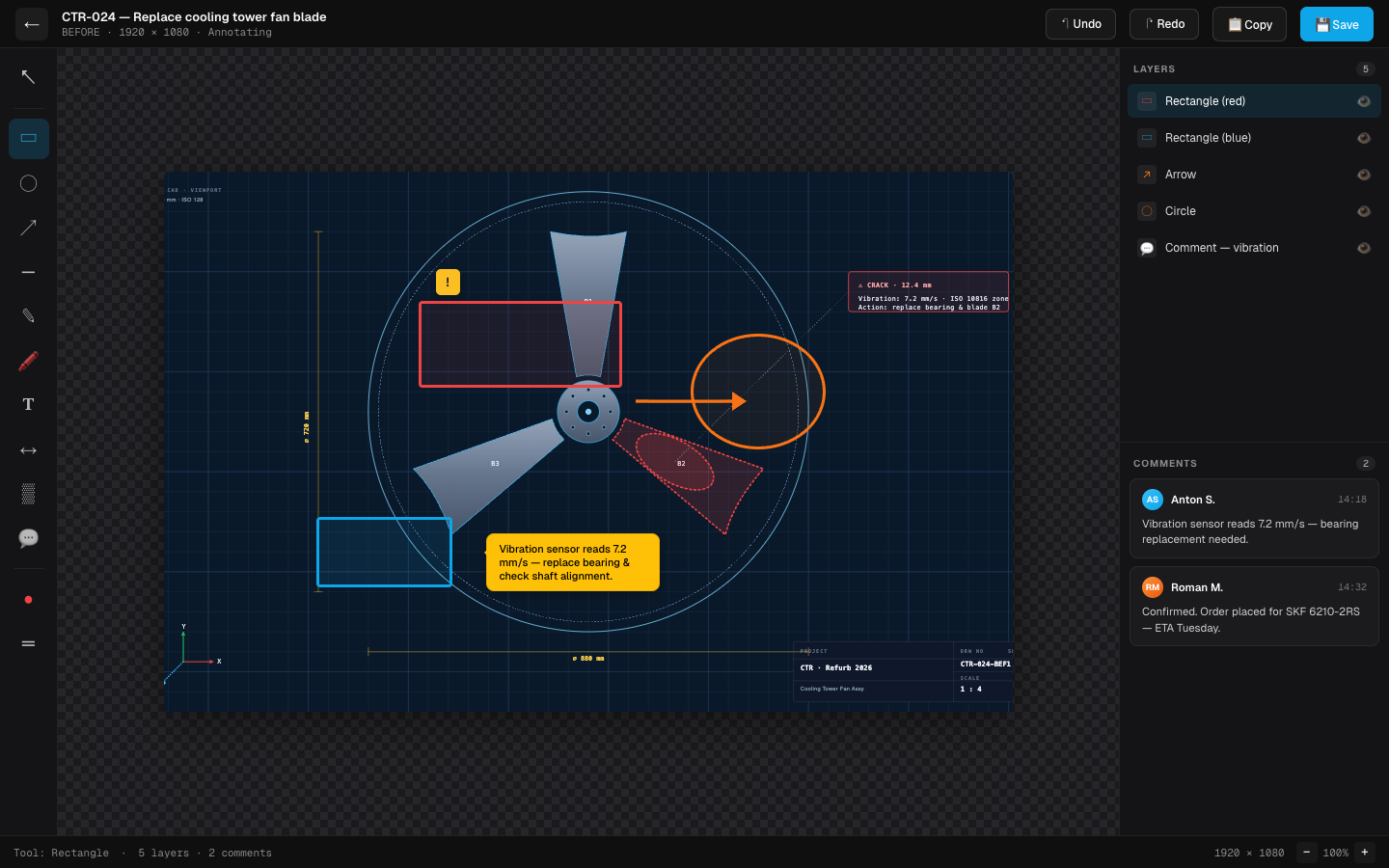
Six tools — arrow, rect, pen, text, blur, highlight. Always-on-top, no focus pull.
v0.1.11 → v0.1.12
Days 4–5 · May 1–2
Founder dogfood
Two days of real site walks. Specific complaints filed, not vague.
field test
Day 6 · May 3
Sprint day
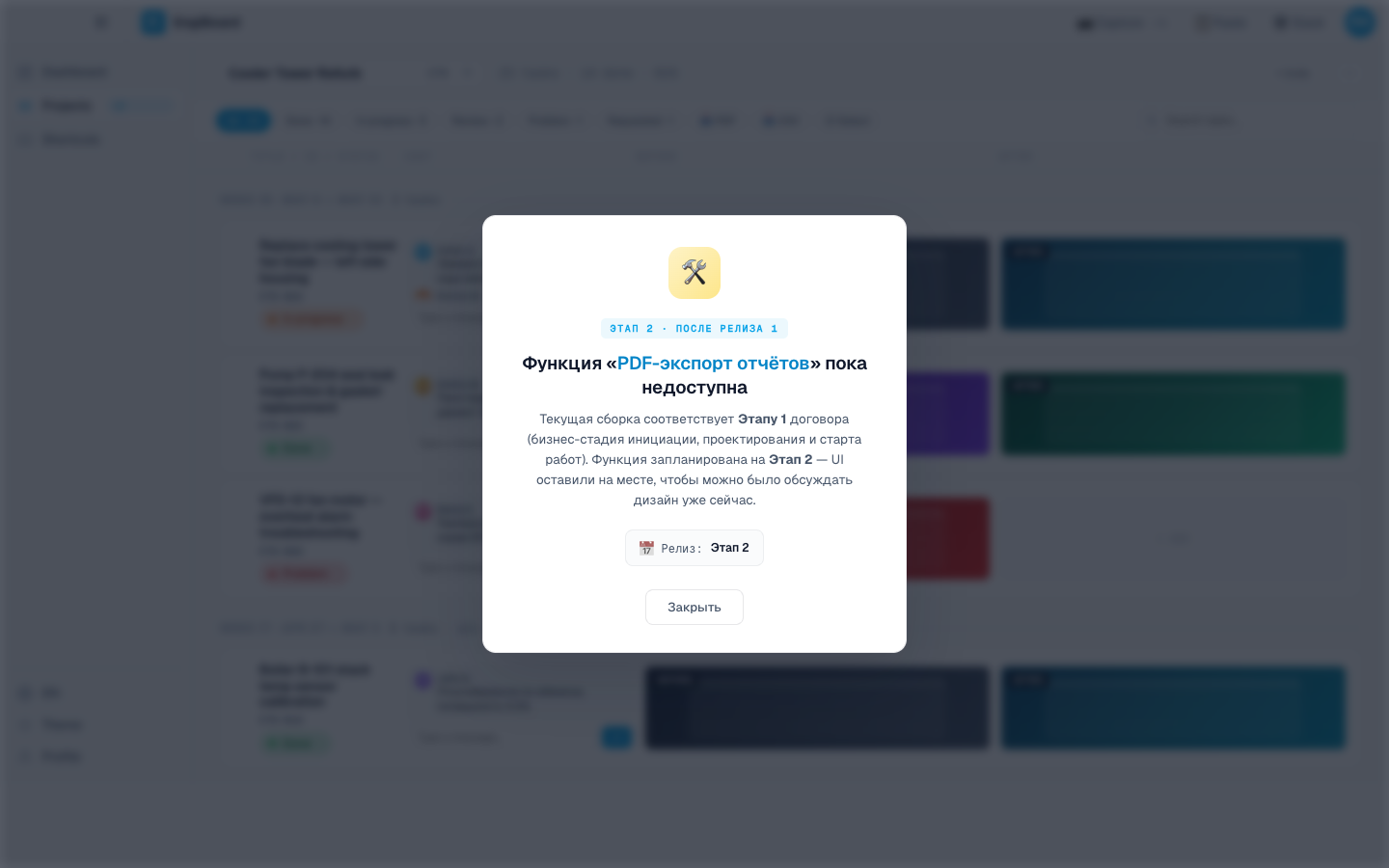
Twelve versions in 24h. Inline tasks, multi-screenshot, PDF export, dark mode, RU/EN, lightbox pins.
v0.1.13 → v0.1.24
Day 7 · May 4
Final sprint
Fourteen versions. Project picker, inline chat, compare wipe, OAuth retry, Windows clients on.
v0.1.25 → v0.1.38
Public
Live
Mac DMG · Mac Intel · Win EXE · Win MSI. All public on GitHub Releases.
38 releases
Problem & Solution

Camera roll →
Telegram → Word.
Done.

The existing toolchain on every site visit was lossy and slow. Photos disappeared into chats, annotations lived in a different app than the task list, reports lost context the moment they were forwarded.

01 · TASK
One-purpose desktop. Capture, mark, attach.

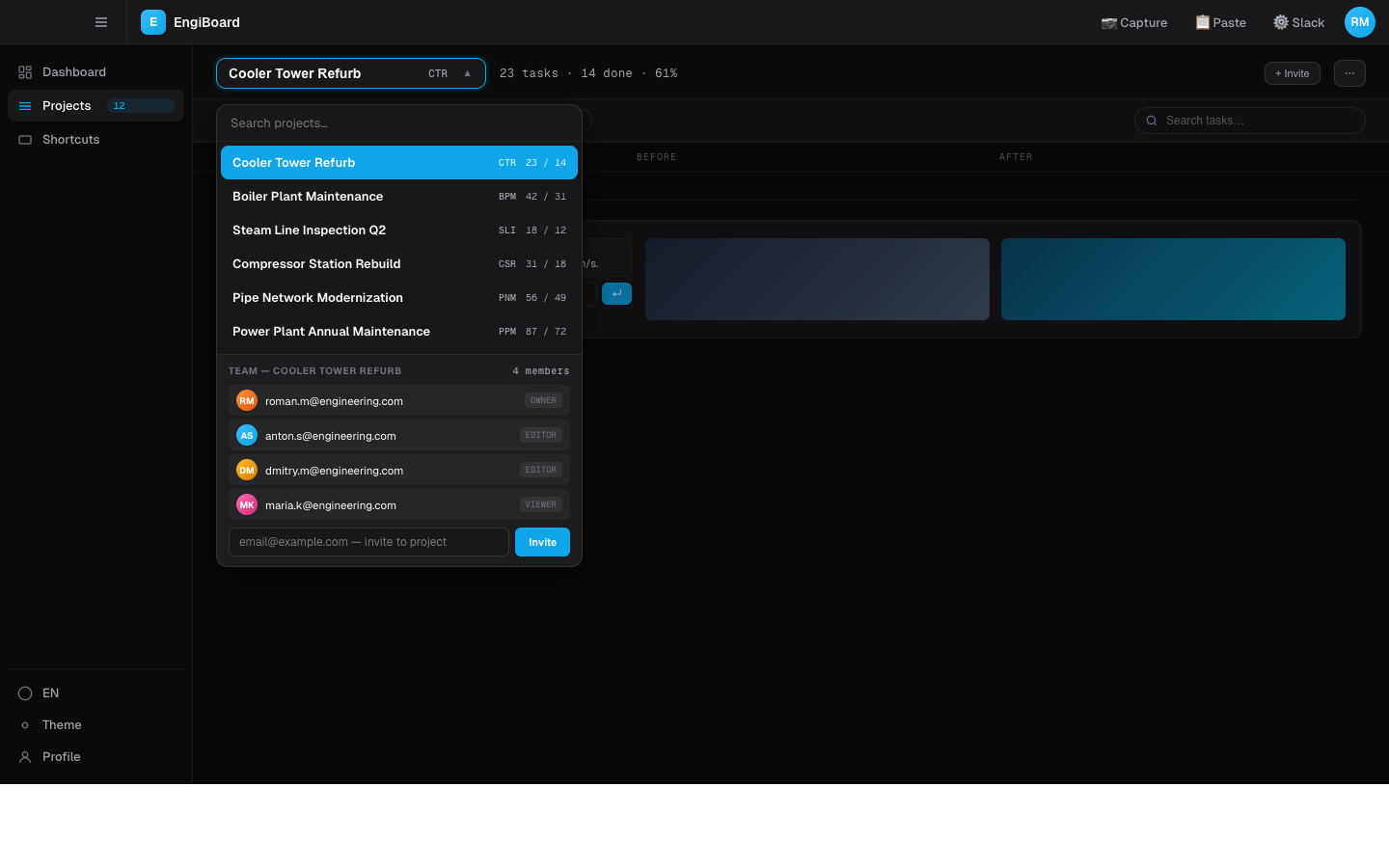
Native screenshot speed, Linear-style task structure, image-anchored discussions. Engineers stay in one app — not glued across four.

02 · PROBLEM
Four apps glued with screenshots and prayer.

Camera roll → Telegram → spreadsheet → Word → PDF. Every handoff drops context. Annotation tools live somewhere else than the task list.

03 · SOLUTION
One binary. Capture, annotate, track.

Tauri-native overlay captures any region. Editor with six tools. Tasks grouped per project, eight color-coded statuses. Pin a comment to a pixel — not a timestamp.

Typography

Geist for product.
Mono for system.

Geist Sans across the entire app — a clean modern sans tuned for high-density product surfaces. Geist Mono for the parts where the system speaks back: timestamps, file sizes, version tags, hotkey hints.

Geist
Aa
GEIST · 400 / 500 / 600 / 700
Primary UI. Tight tracking, neutral skeleton. From caption (10px) to display (96px).
{ }
GEIST MONO · 400 / 500
Timestamps, version tags, file paths, command-line hints. Anywhere the system is precise.
Aa
INSTRUMENT SERIF · italic
Editorial accent — case study only. Hero phrases, pull quotes, slow moments. Not in the app.
Palette

Sky, amber,
deep black.

Sky-blue carries the brand and active states. Amber lives on a single status — "in progress" — because it earned it. Deep black grounds the canvas; everything else is system white-on-noise.

#0EA5E9
Engineer
Sky
Brand, active states, primary actions, links.
#7DD3FC
Sky
Light
Hover, focus glow, subtle lift on hero gradients.
#FFC940
In-Progress
Amber
One earned status pill. Used sparingly — never decoration.
#0A0A0C
Studio
Black
Canvas. Lights down. Every screenshot starts here.
All Screens

18 surfaces.
One binary.

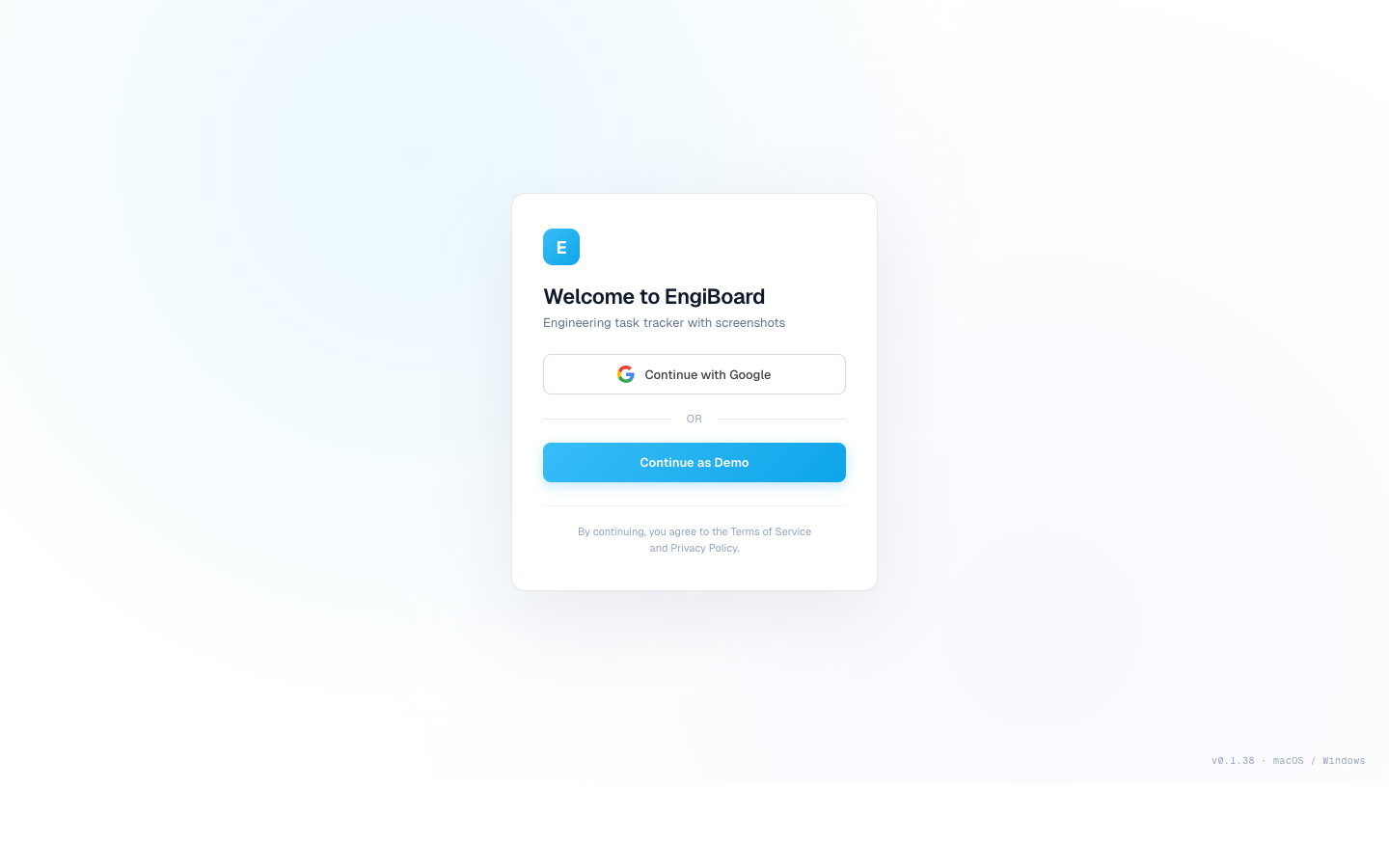
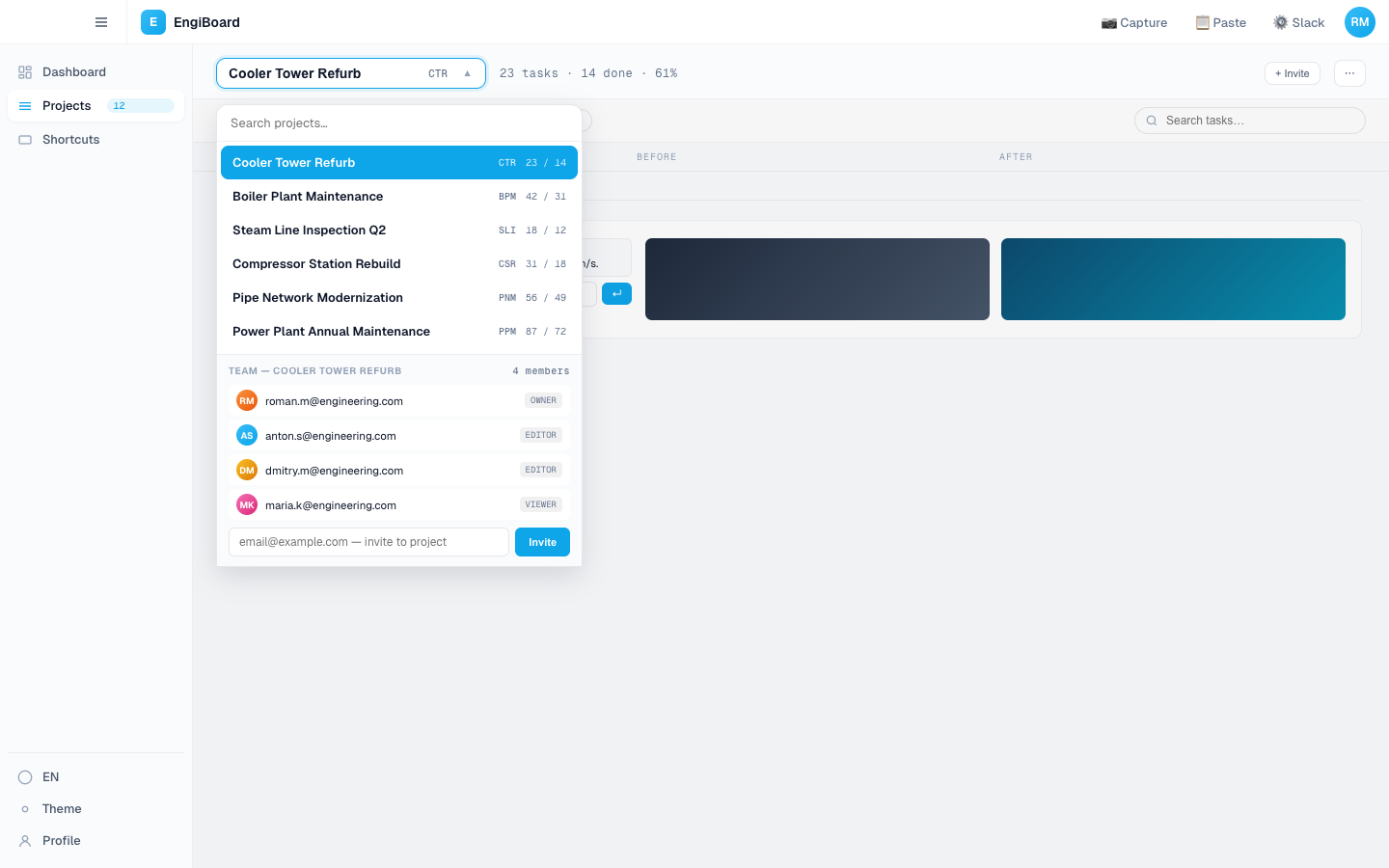
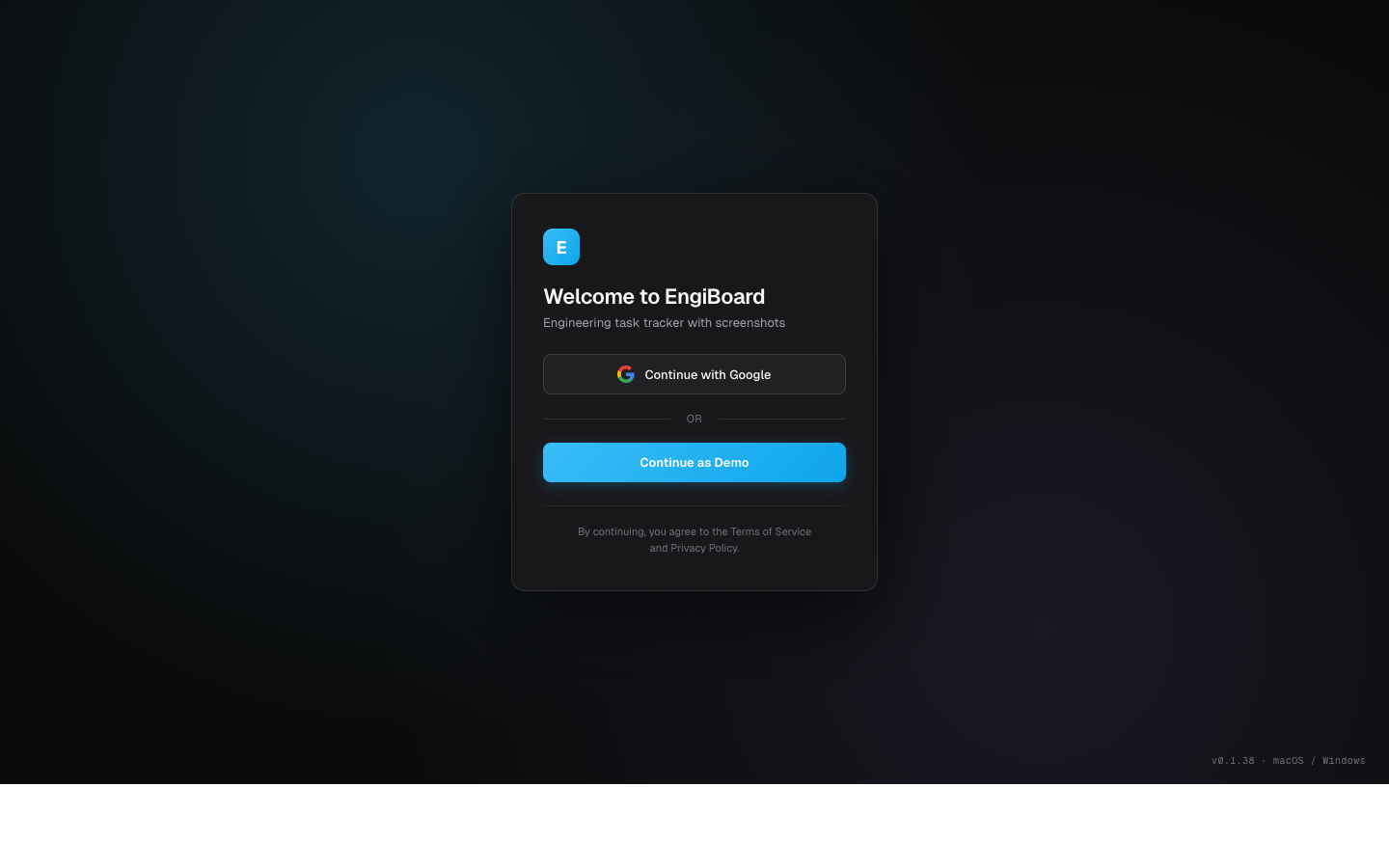
Login → projects → capture → annotate → track → review → export. Every surface designed for one thing the engineer is doing right now. No configuration, no setup pages, no "advanced".

The Board

Where the
work lives.

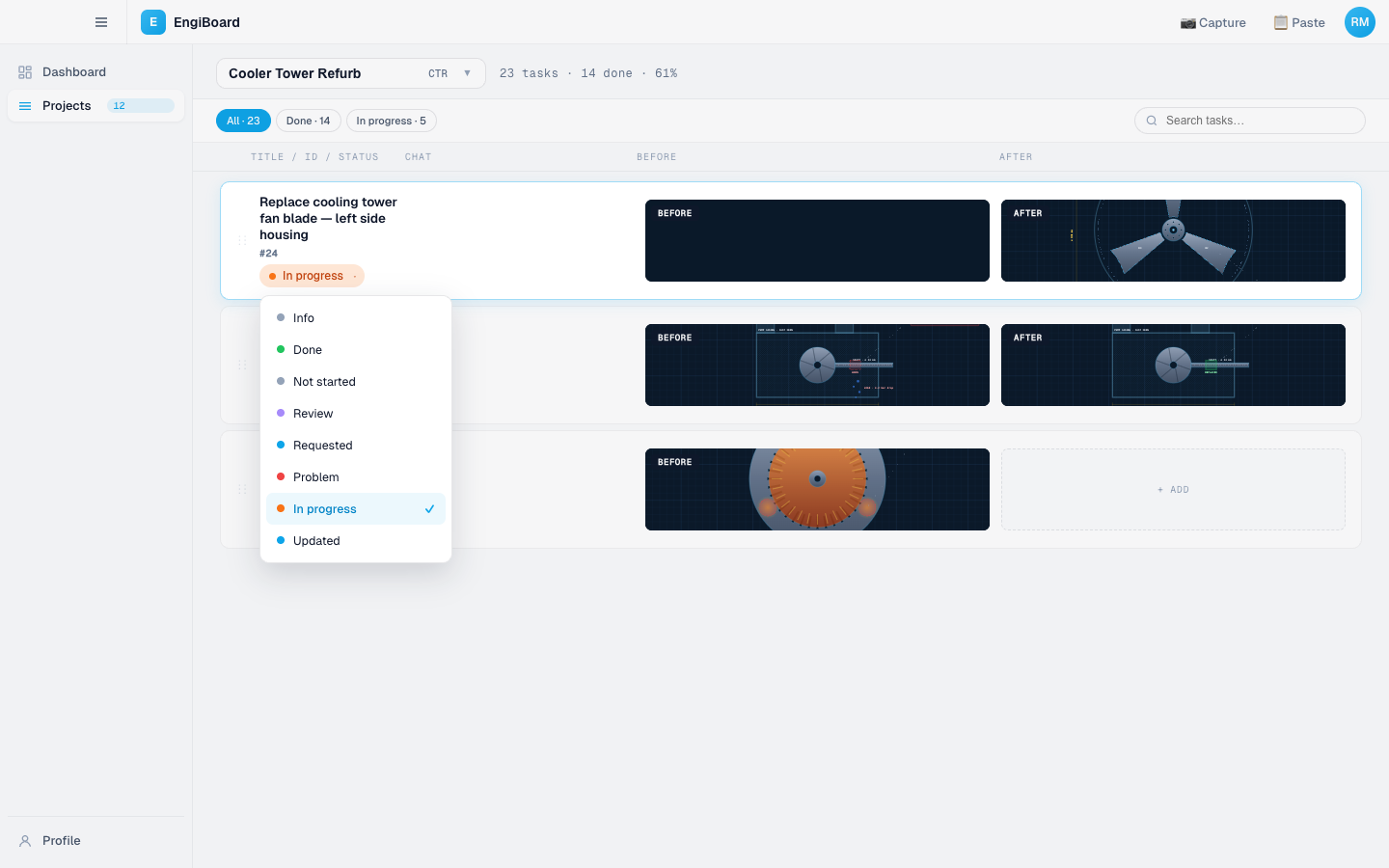
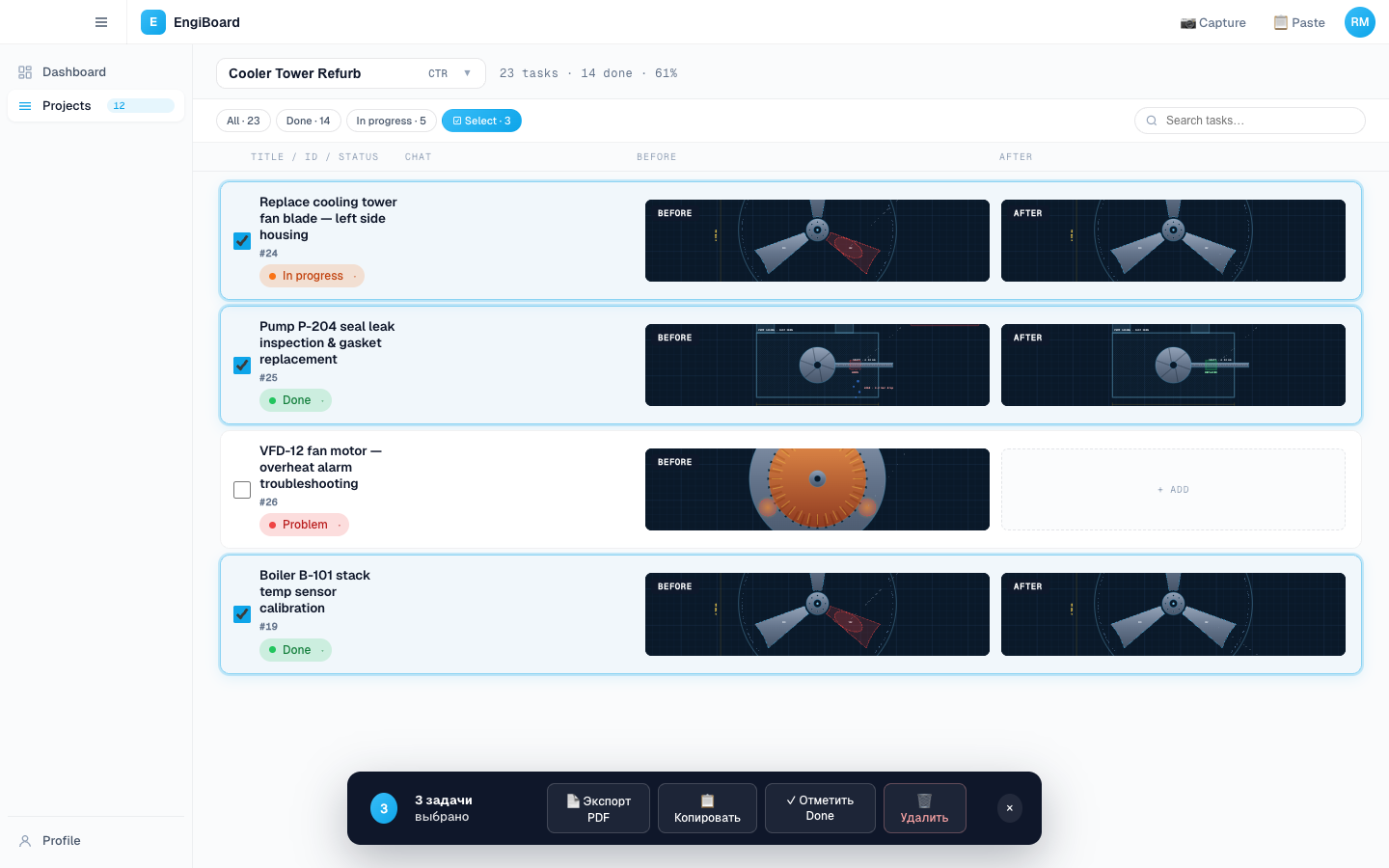
Sidebar groups tasks by project. Inline task input per group — no modal, no double-click, no detour. Eight statuses, color-coded. Multi-screenshot per task. Rename and re-order without leaving the board.

Capture flow

Region. Annotate.
Attach.

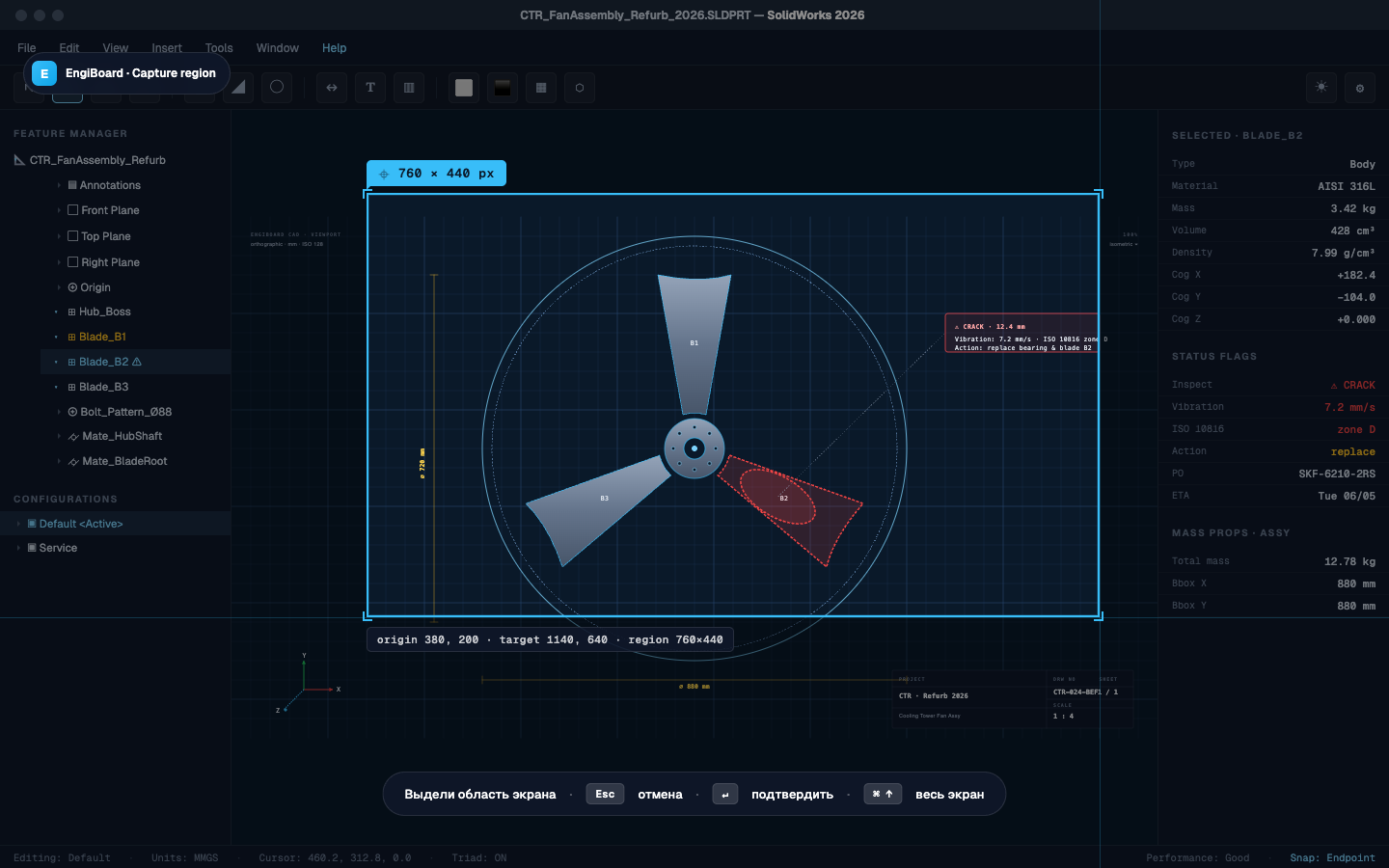
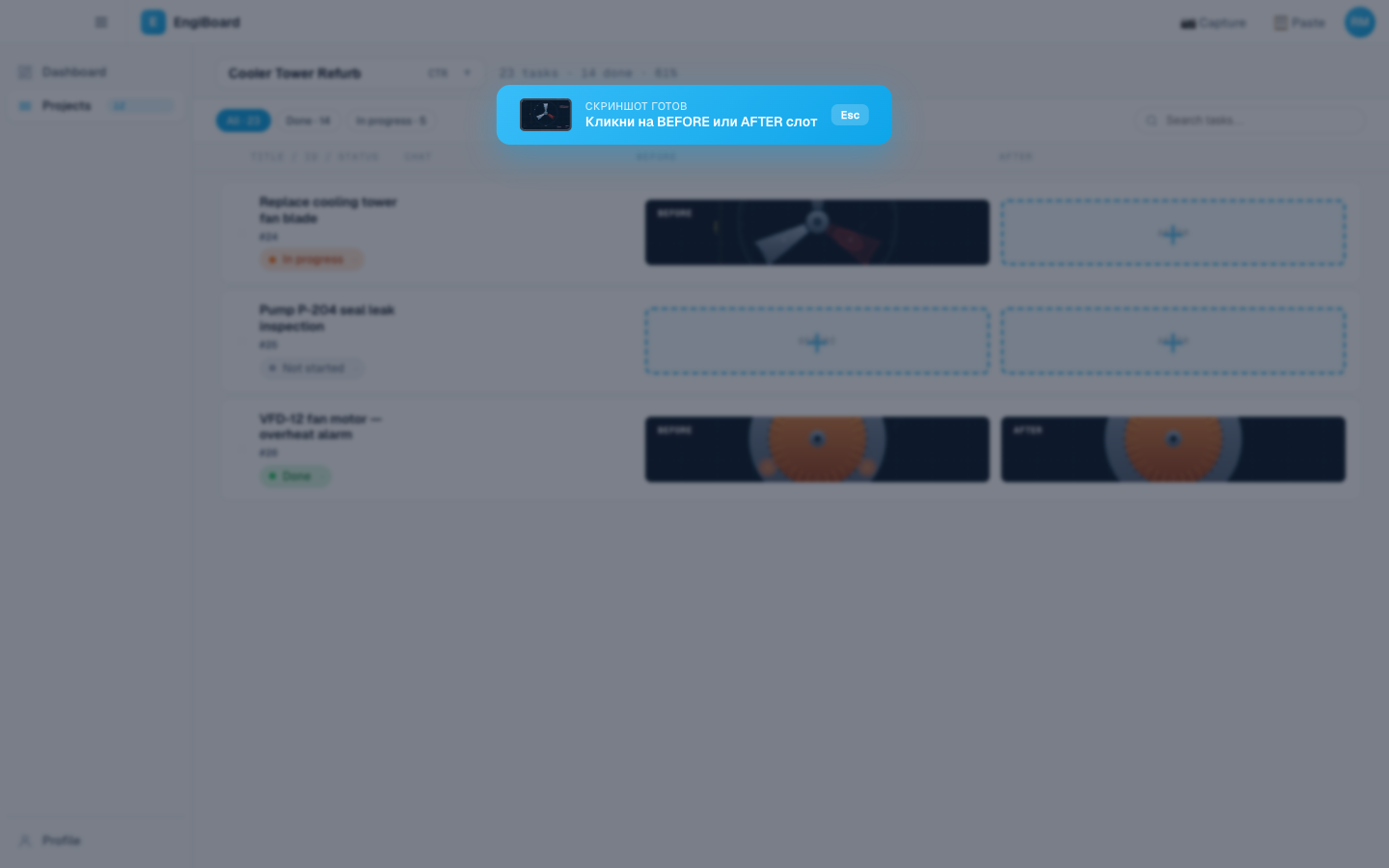
Cmd+Shift+G from anywhere fires a transparent fullscreen overlay. Drag a rectangle. Native macOS / Windows capture. Editor opens with the PNG ready, six tools live. Save returns the annotated image to your selected before/after slot.

01 · Capture
02 · Annotate
03 · Attach
Image-anchored review

Pin to a pixel,
not a timestamp.

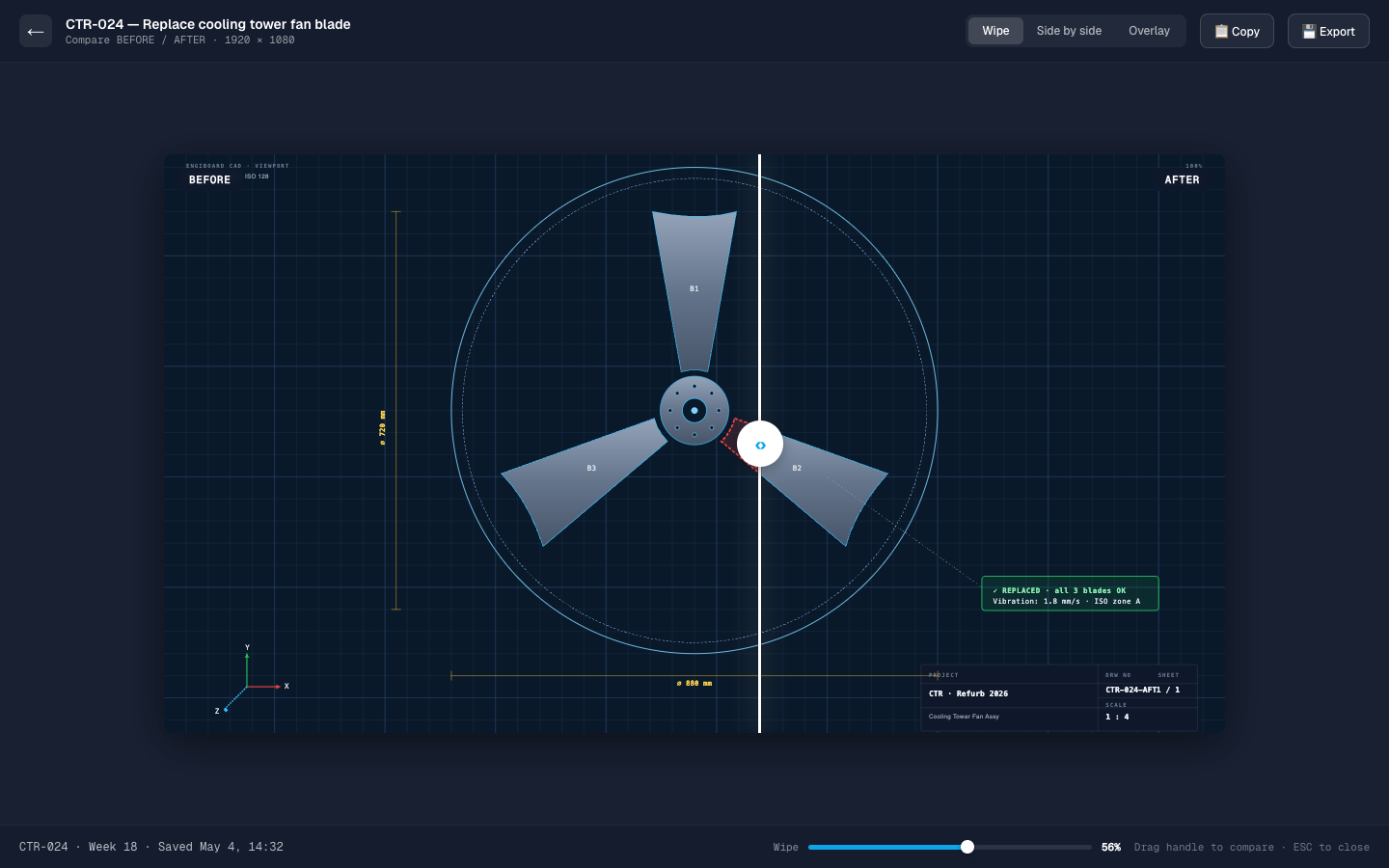
Reviews live on the image, not in a separate thread. Open a screenshot in the lightbox — click any pixel — drop an orange pin — write a comment. Multiple reviewers, threaded. Compare wipe slider for before/after, drag-to-reveal.

LIGHTBOX · PINS
Click a pixel, write a comment.

Pins pulse orange while unread, turn blue with a number once seen. Right rail lists every comment with author, time, delete. Multiple reviewers, fully threaded.

COMPARE WIPE
Drag the line. See the difference.

Two screenshots stacked, single drag handle. No flicker, no toggle, no "switch tab" — pure muscle memory. Works on any task with both before and after attached.

Tracking

Eight statuses.
Two views.

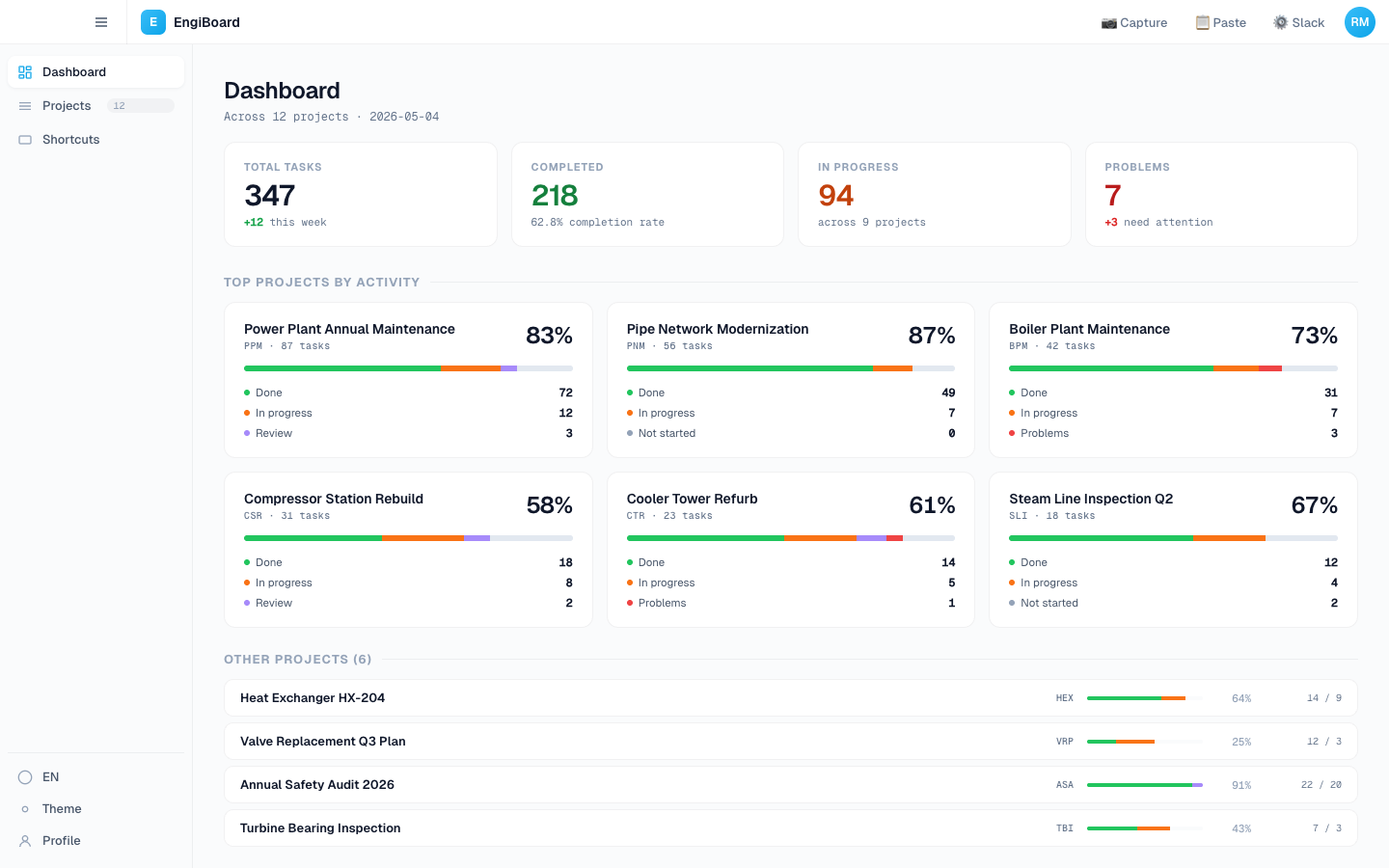
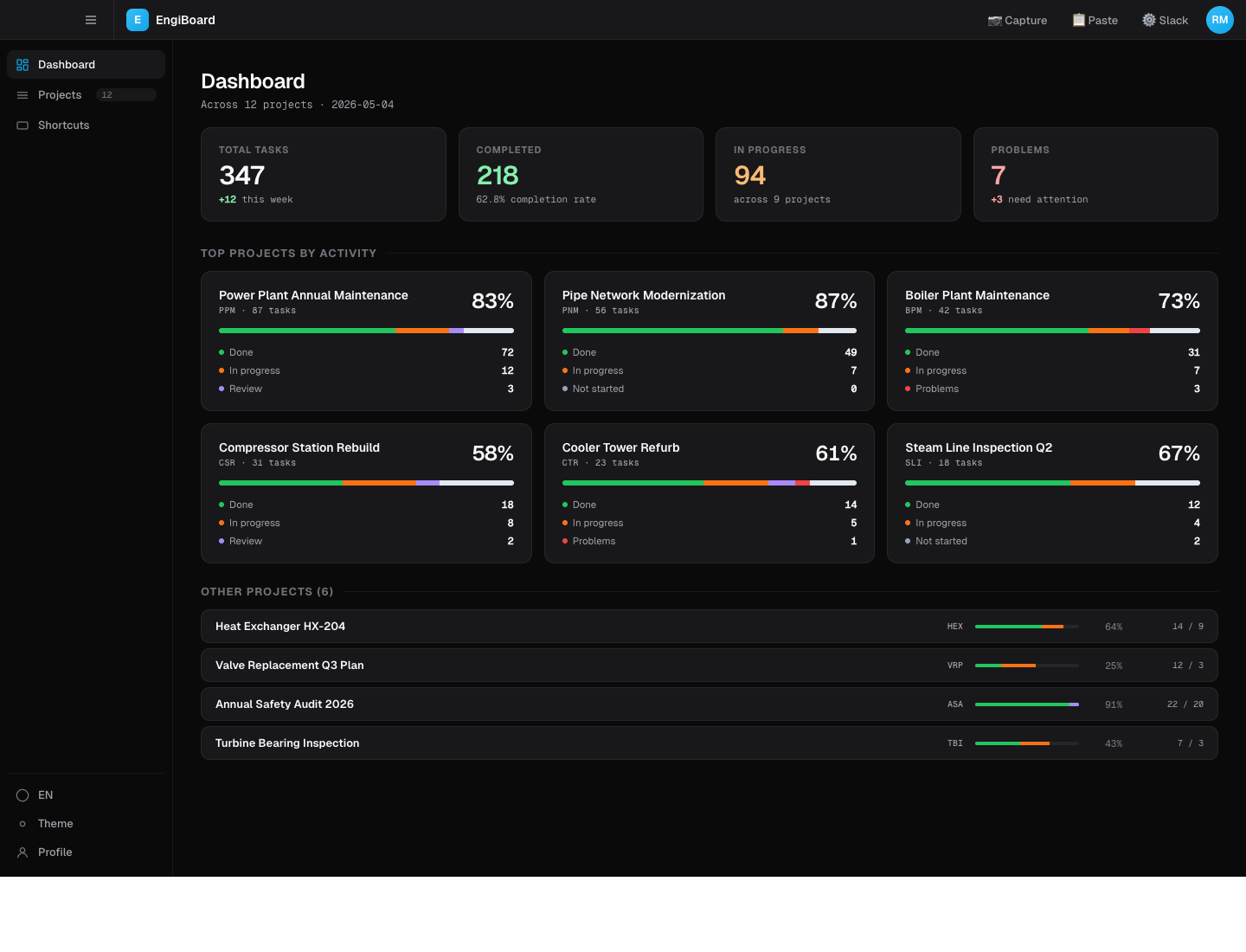
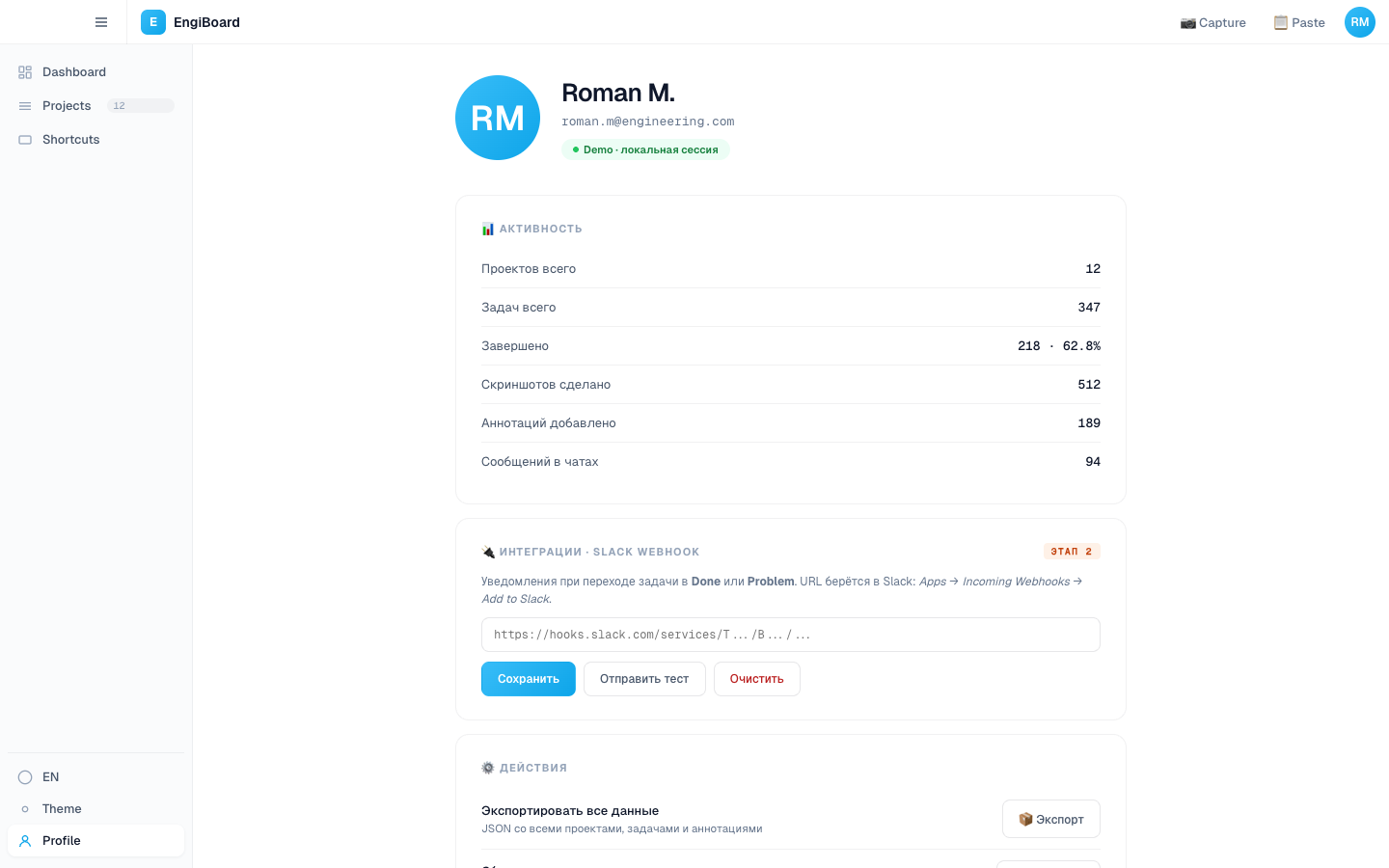
Done, Problem, In Progress, Review, Info Required, Upcoming, Not Relevant, Info — eight statuses, every one earned its colour. Dashboard rolls up totals across projects; status menu lets you change one or many in one click.

DASHBOARD
Rollup, not roll-call.

Project counts, status distribution, top blockers. One screen answers: where is the team stuck? No drill-down before you've seen the whole field.

STATUS MENU
One click to move anything.

Right-click any task, change status. Bulk-select rows, change all of them at once. Eight colours that survived ten rejections — every one has a meaning, none of them are decoration.

Cross-platform

Same UX,
any platform.

Mac M-series, Mac Intel, Windows EXE, Windows MSI. Shared HTML/CSS/JS frontend, Tauri 2 native shell. Dark mode toggles per surface, not per app. Tester complaints loop back into the next release tag.

LIGHT THEME
Sunlit on a construction site.

Default surface. Higher contrast on photos, easier on real-world lighting. Print preview matches what you see.

DARK THEME
Office, evening, OBS overlay.

Designed for late-night triage and screen-recorded walkthroughs. Same content, deeper canvas, status colours hold their meaning either way.

Build

How it
was made.

Six days, seven hours from blank repo to v0.1.38 in production. Solo founder + AI co-workers. Every release public on GitHub.

Timeline
6 days, 7h
Day 1 — Tauri scaffold + CIApr 28
Day 2 — Sniper overlayApr 29
Day 3 — Annotation editorApr 30
Days 4–5 — Founder dogfoodMay 1–2
Day 6 — Sprint (12 versions)May 3
Day 7 — Final sprint (14 versions)May 4
Stack
T
Tauri 2 / RustNative shell, deep-link, plugins
N
Next.js · ReactWeb mirror, OAuth landing
S
SupabaseAuth, Google OAuth, DB
Claude CodePrimary AI builder
G
GitHub Actions4-platform CI, every tag
R
RailwayWeb auto-deploy on push
F
FigmaArchitecture sketches only
G
Geist · MonoType system

From blank repo to v0.1.38
— in 6 days.

EngiBoard is one of seven shipped projects from Stepikin Studio in 2025–26. This one was built to test the studio thesis at the limit. The thesis held.

← Prev case
SmartNest — Smart home iOS
Next case →
Lush Wallet — UI concept