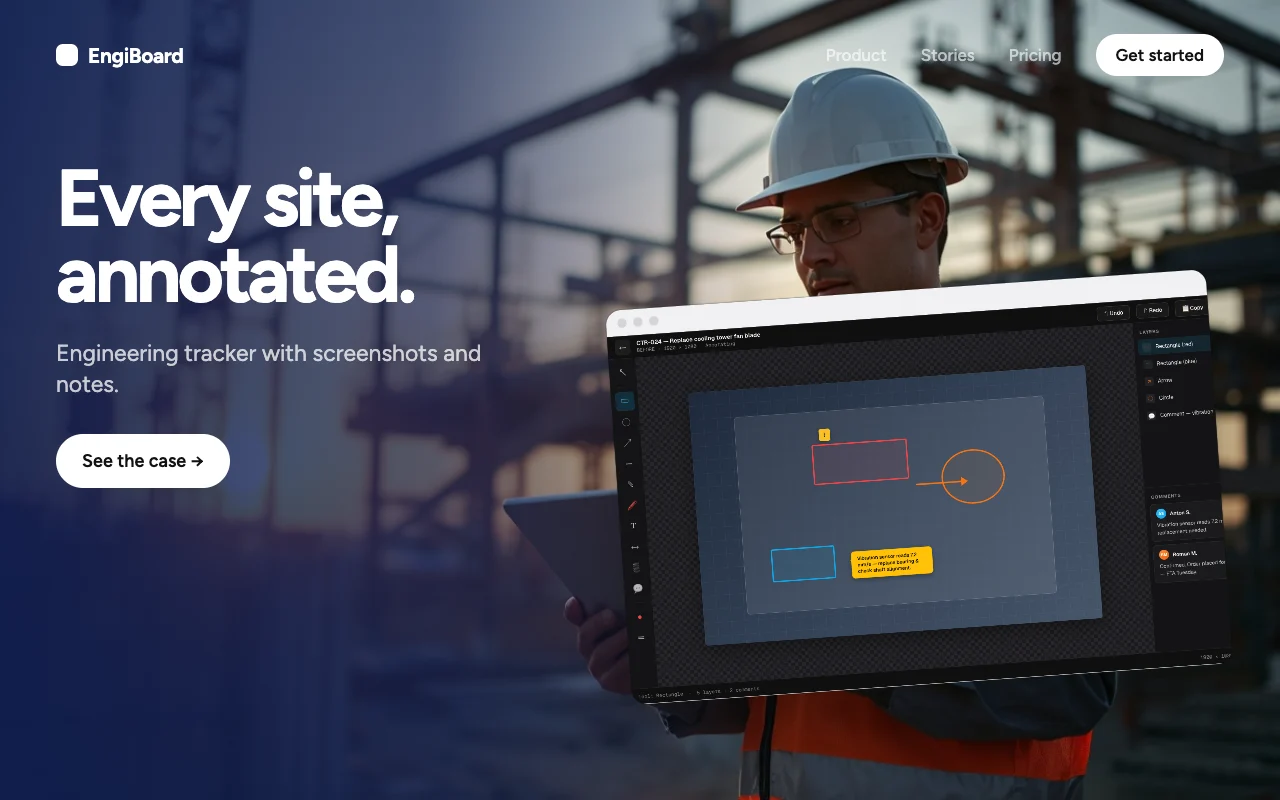
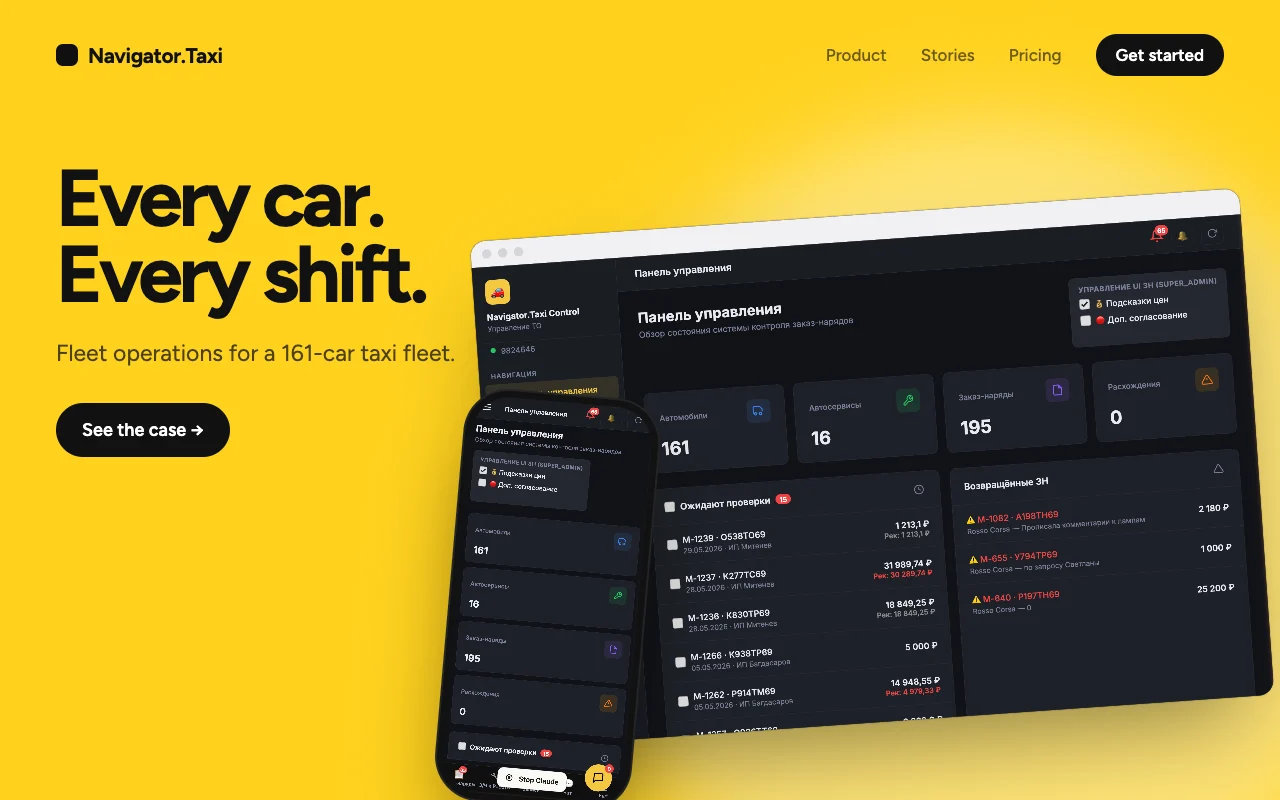
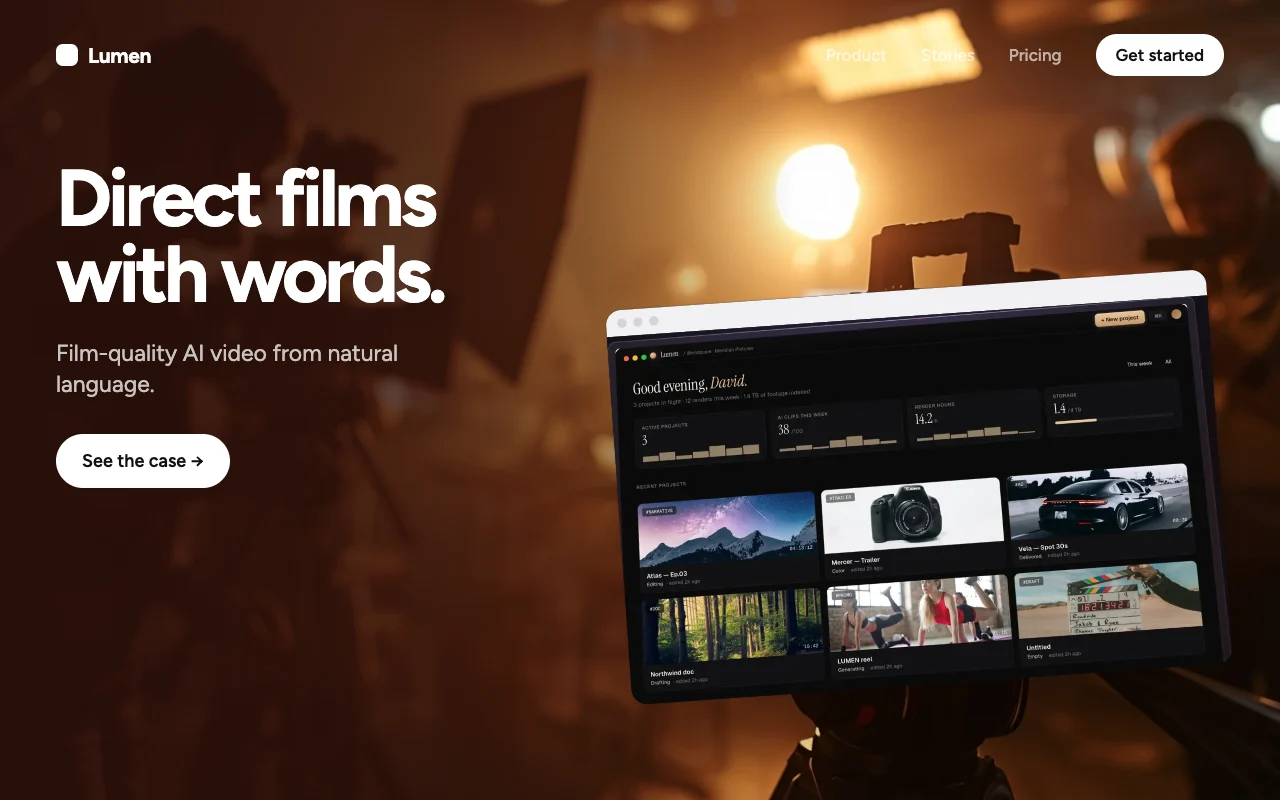
SmartNest.
Smart home, finally calm. One quiet glance instead of a wall of toggles.
Concept · 25 screens · live prototype
→ state
- What
- A smart-home iOS app built around one quiet glance instead of a wall of toggles.
- Why
- Home apps are built around devices, not around how people live.
- My role
- Product designer: audit, model, system and build of 25 screens and a UI kit.
- Result
- 25 screens · 6 primitives · 3 weeks
Most home apps are built around devices. SmartNest is built around how you actually live.
One calm system. Twenty-five surfaces.
Every screen reuses the same six primitives.
Home apps make you work for control they should give for free.
Toggles, everywhere.
Home becomes a settings panel.
Brand, not room.
Apps group by manufacturer.
State you can’t read.
Is the lock locked?
Read the full story
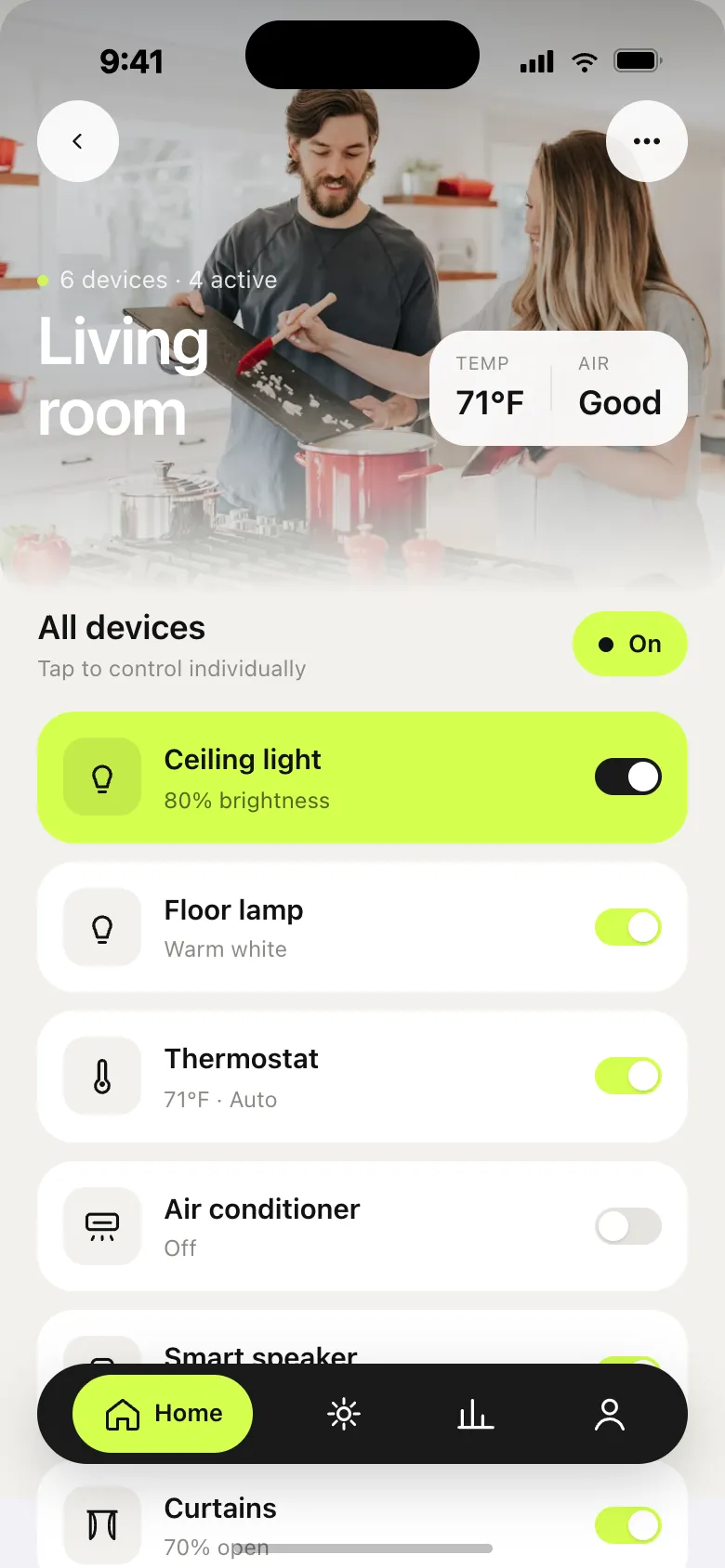
Too dense — toggles, everywhere. Every device wants its own row. The home screen turns into a settings panel. You scroll for context.
Wrong model — brand, not room. Houses are organised by room and routine — not by manufacturer. Most apps still group by brand or device type.
Unreadable — state you can’t read. Tiny icons, identical card silhouettes. You squint to know if the lock is locked or if the AC is running.
Most smart-home apps make you feel like a systems administrator: toggle lists, modal trees, identical card silhouettes. The real problem is that they are built around devices, not around how you actually live.
Three weeks. Four moves.
A hi-fi prototype, not a pitch deck.
Read the full story
Audit, model, system, build. The constraint was 25 screens and one design system; the aim was a hi-fi prototype, not a pitch deck. SmartNest is a concept for a smart-home iOS app that prioritises a single quiet glance over a wall of toggles: 25 production-grade screens, a small-but-bold visual system, and an in-app coachmarks tour.
- Days 1–3 · Audit. Tore apart 6 reference apps — Google Home, Apple Home, SmartThings, Aqara, Hue, Nest — and mapped their info hierarchy.
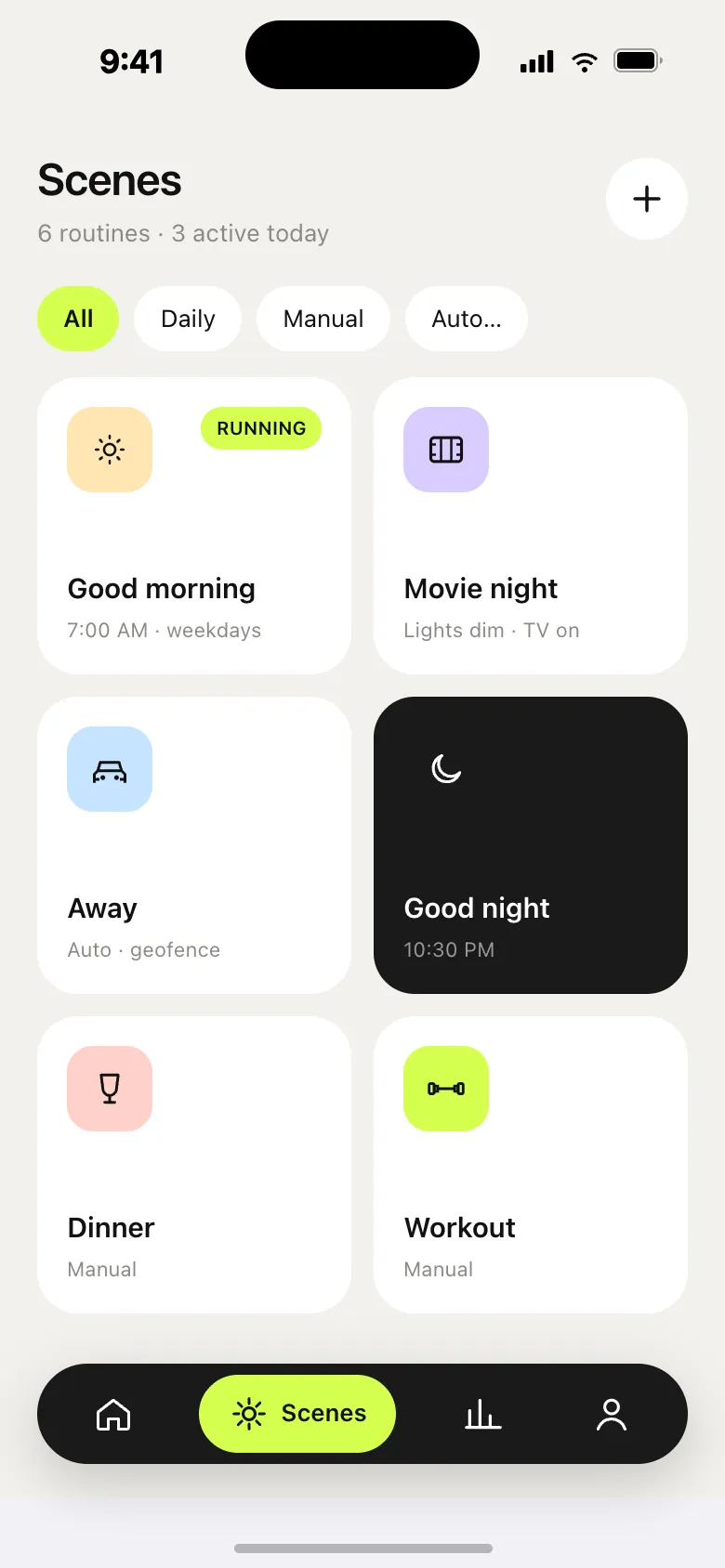
- Days 4–6 · Model. Settled the mental model: house → room → device → state. Energy and security got their own top-level surfaces.
- Days 7–11 · System. Light cream + lime + black. One typeface. Six component primitives. Big numerics, soft cards, real photographic accents.
- Days 12–21 · Build. 25 screens in React + inline SVG illustrations. Empty states and an onboarding tour to make the system feel lived-in.
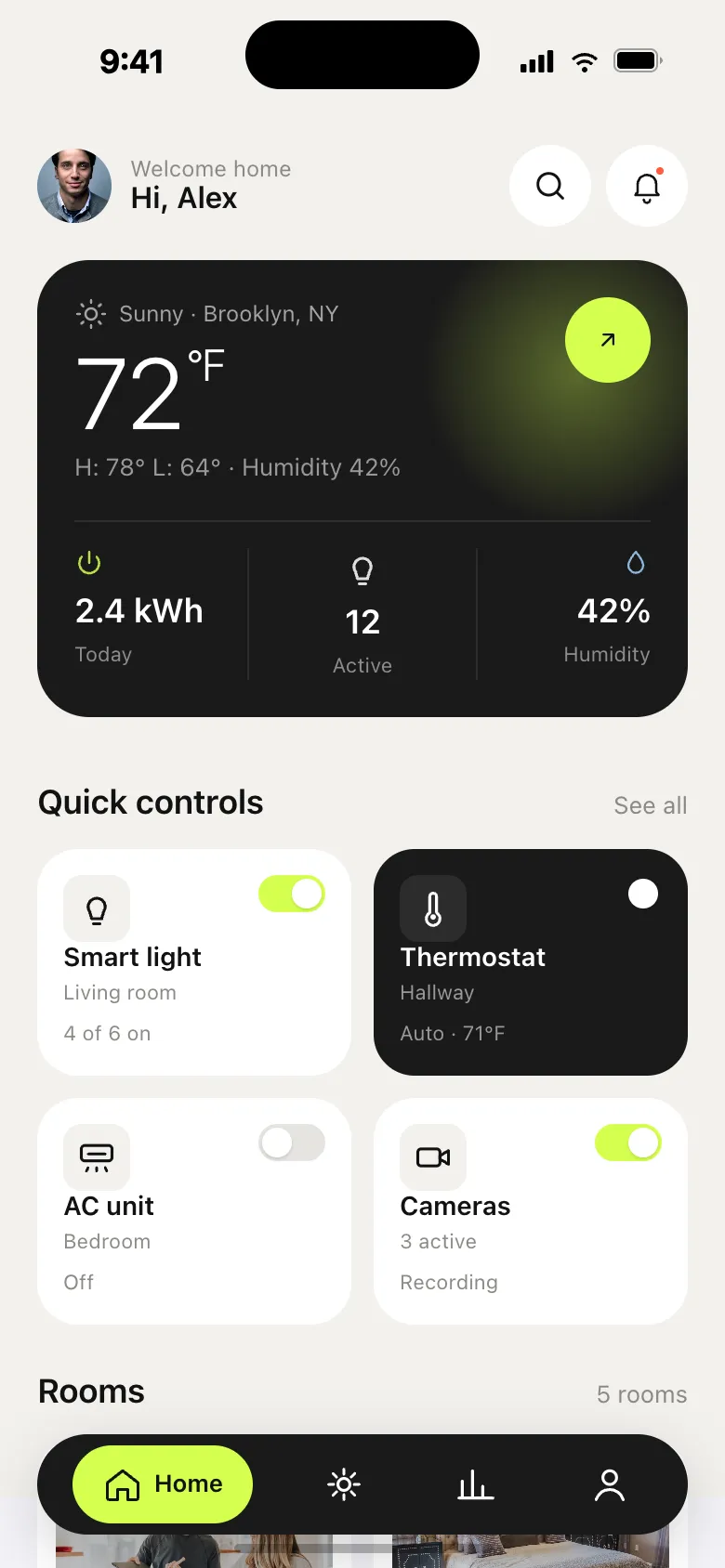
A dashboard you can read at a glance.
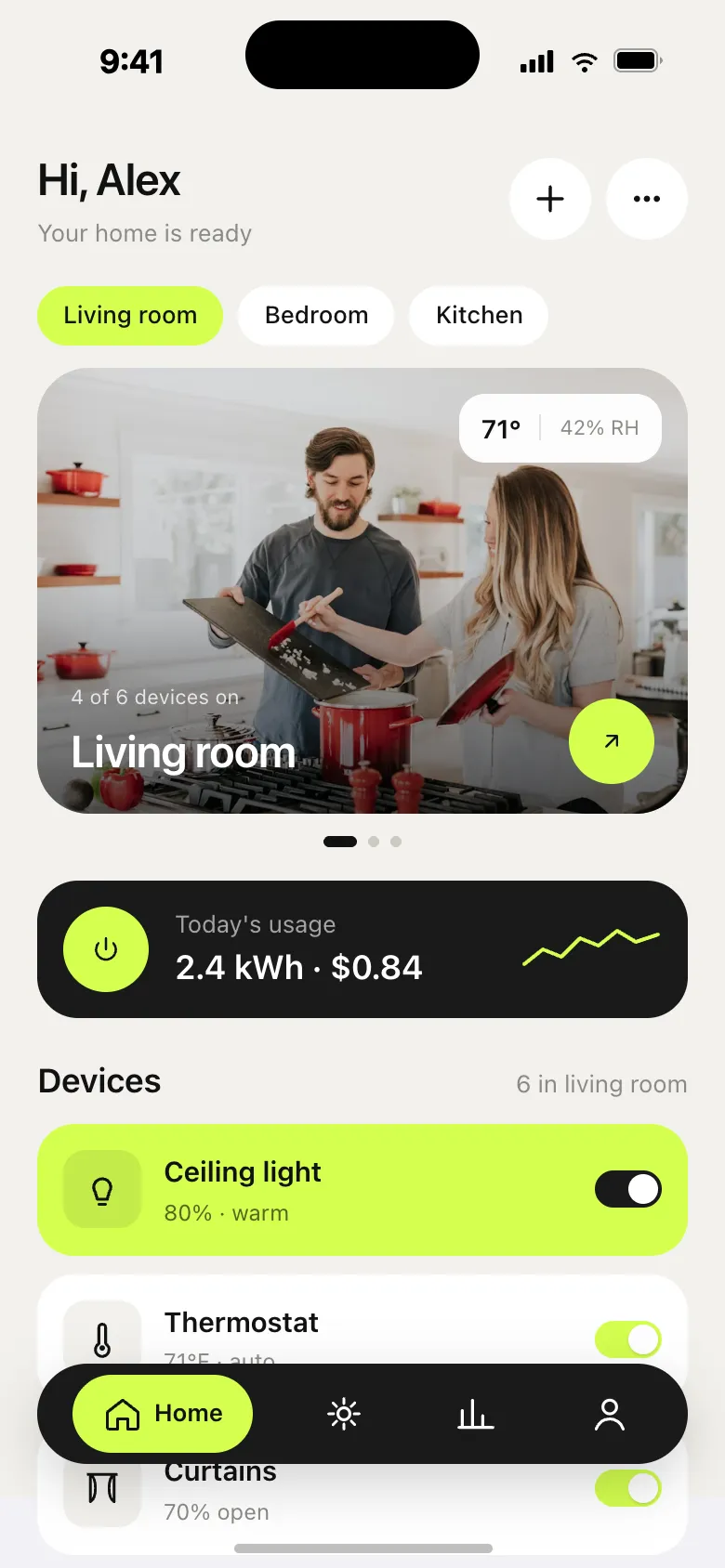
- NowActive room in a black hero card
- LiveRoom tiles show live state
- CalmCream + lime relaxes the eye
Read the full story
One contrast card holds the most-used room. Below it, four equal-weight room tiles say what’s actually happening — temperature, light count, music — without you tapping. Now: the active room sits in a black hero card. Live: room tiles surface live state, not static labels. Calm: cream + lime keeps the eye relaxed.
Big numerics. Big targets. Numbers worth showing.
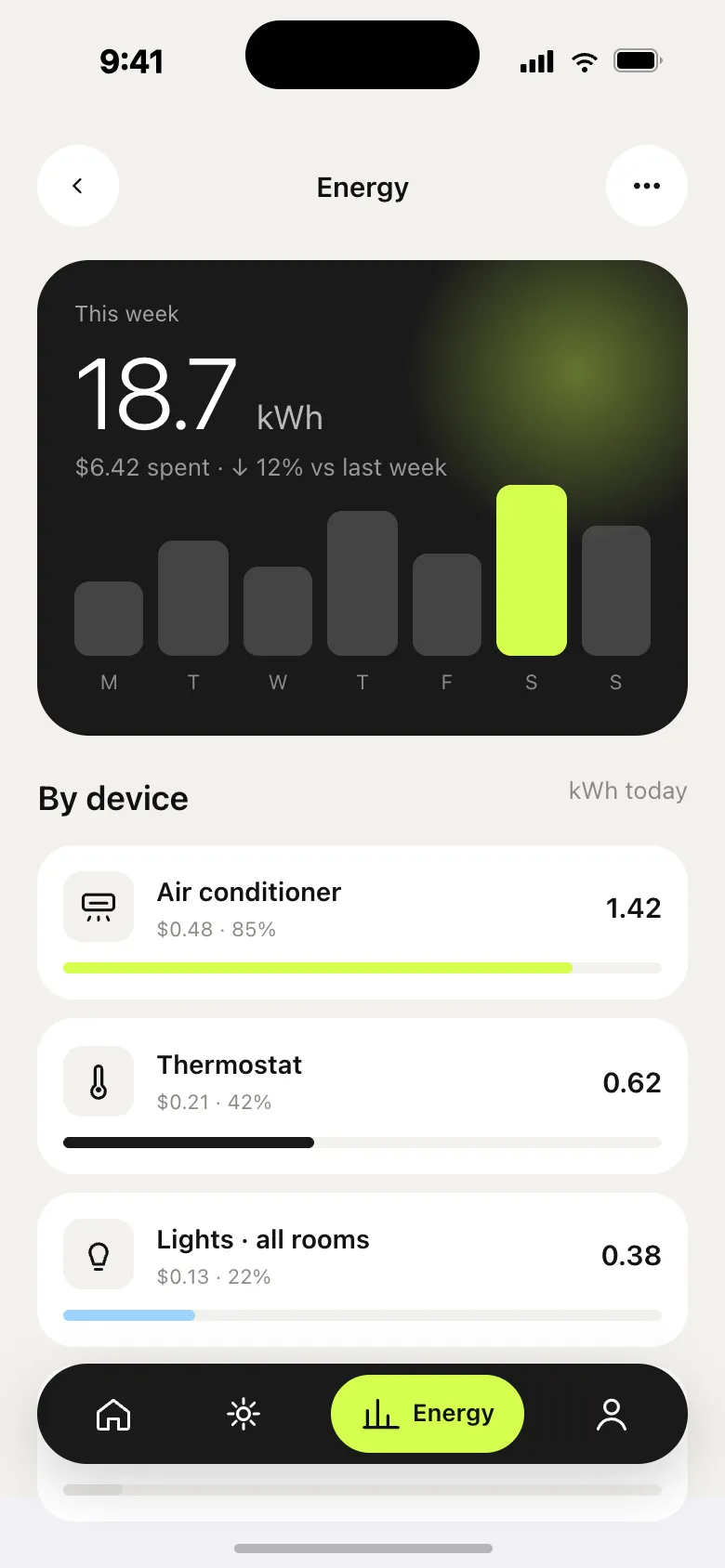
A 220-pixel arc you can read across the room. Energy: one number, one lime bar.
Drag the arc.
Colour = mode.
Delta vs last week.
Cost in dollars.
Read the full story
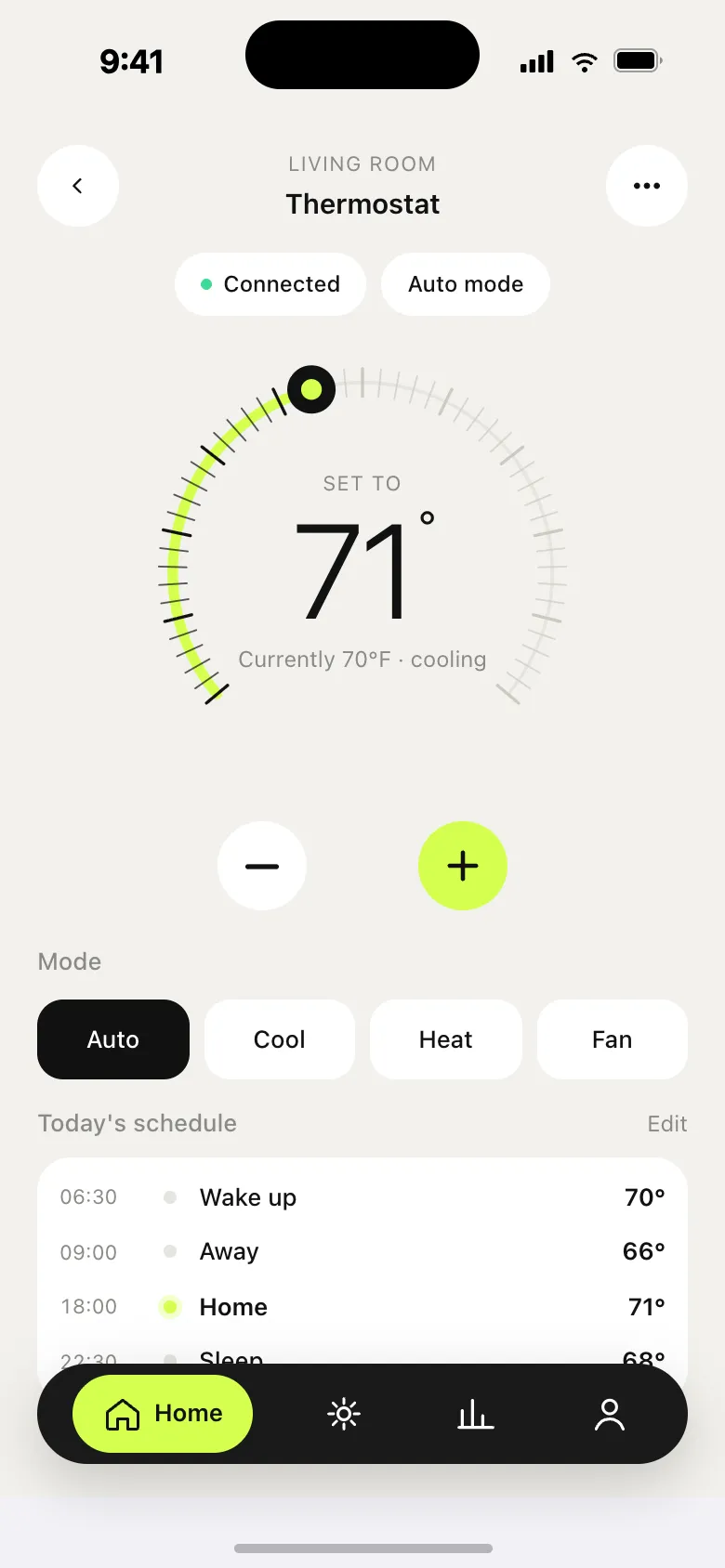
Thermostat. The thermostat isn’t a slider buried in a list. It’s a 220-pixel arc with a temperature large enough to read across the room. Eco and Auto live as a pill, not a settings tree. Easy: drag the arc — no double-tap, no modal. Glance: colour encodes mode (cool / heat / off). Smart: surfaces the active routine inline.
Energy. Energy is shown as one number, one trend chip, one lime bar that always points to today. A small per-device breakdown turns into action — not a wall of receipts. Clear: hero number + delta vs last week. Action: per-device kWh with tap-to-tune. Honest: cost in dollars, not abstractions.
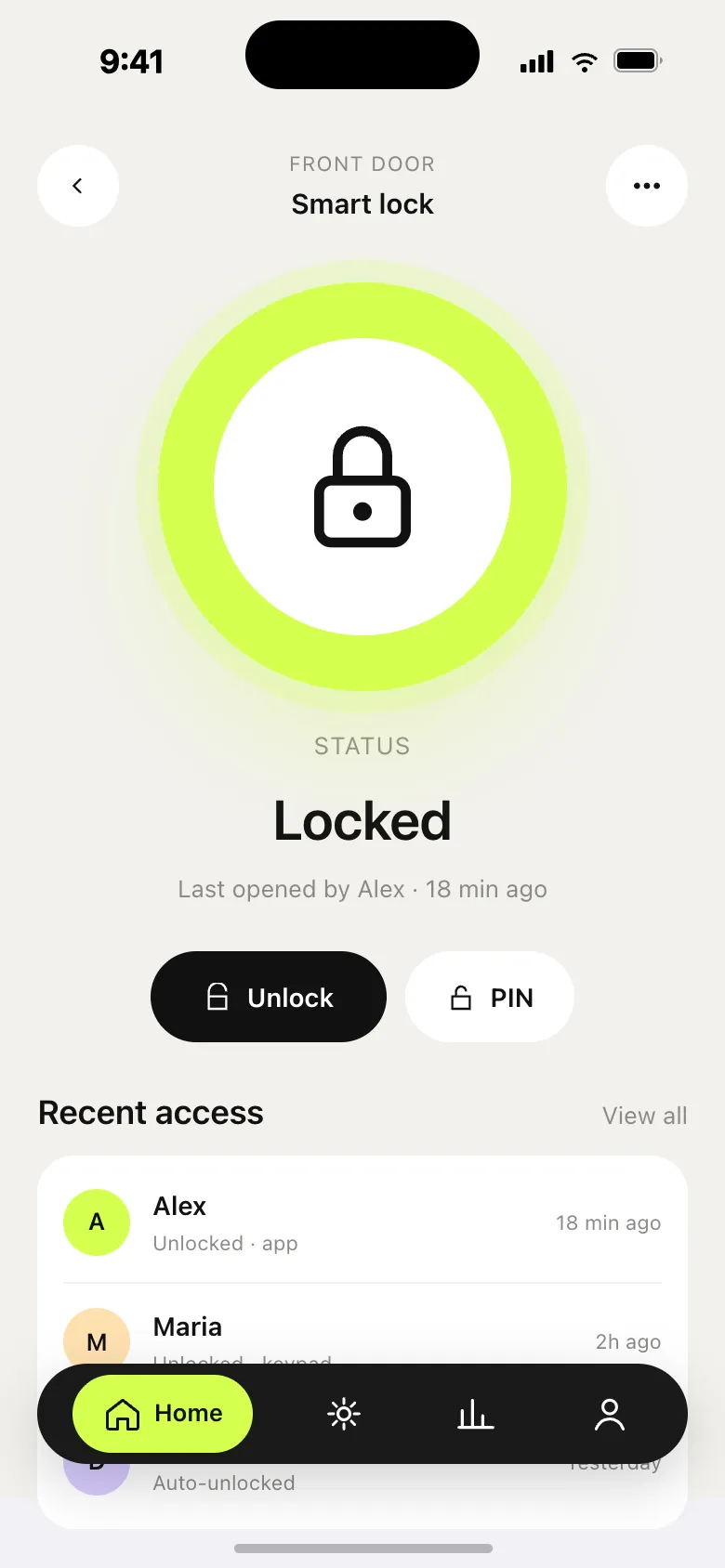
Quiet by default. Loud when it matters.
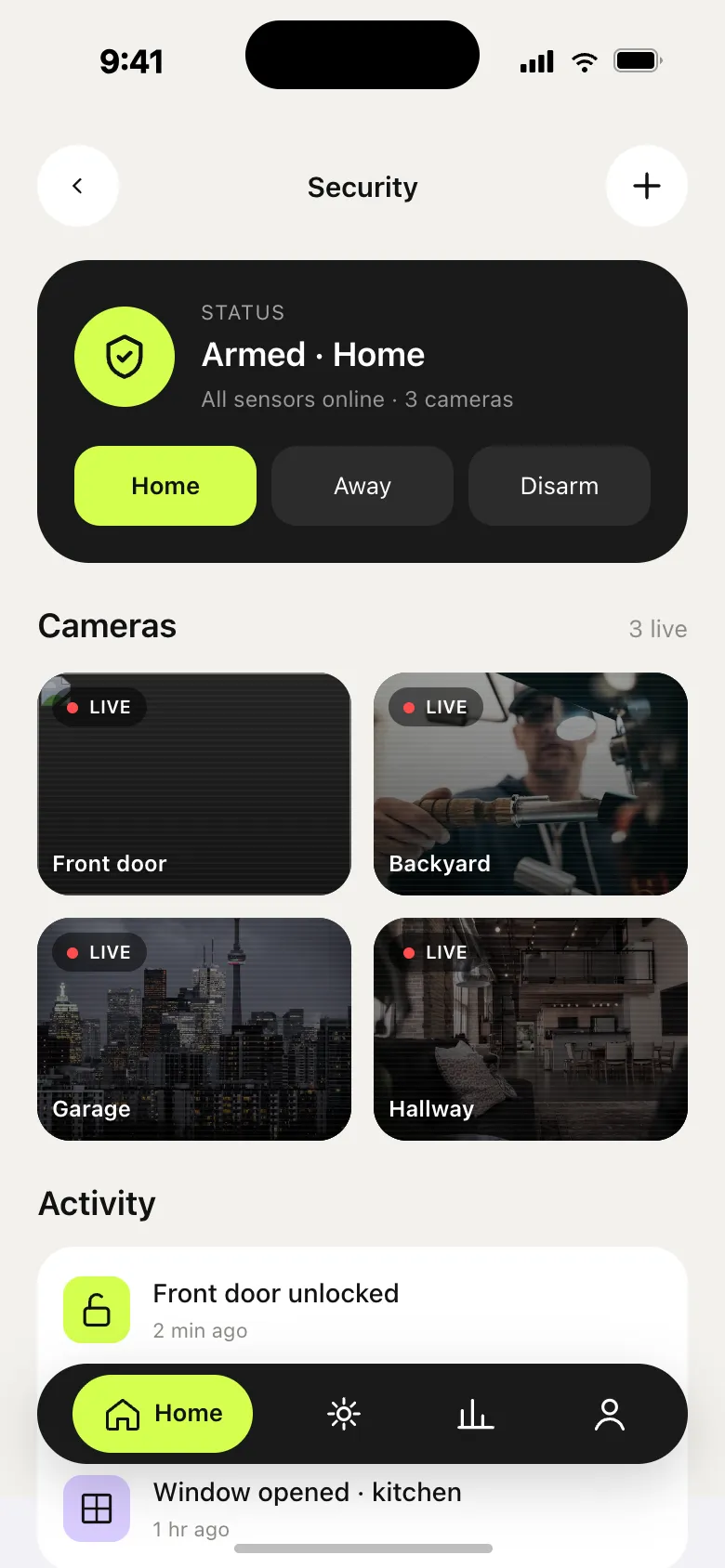
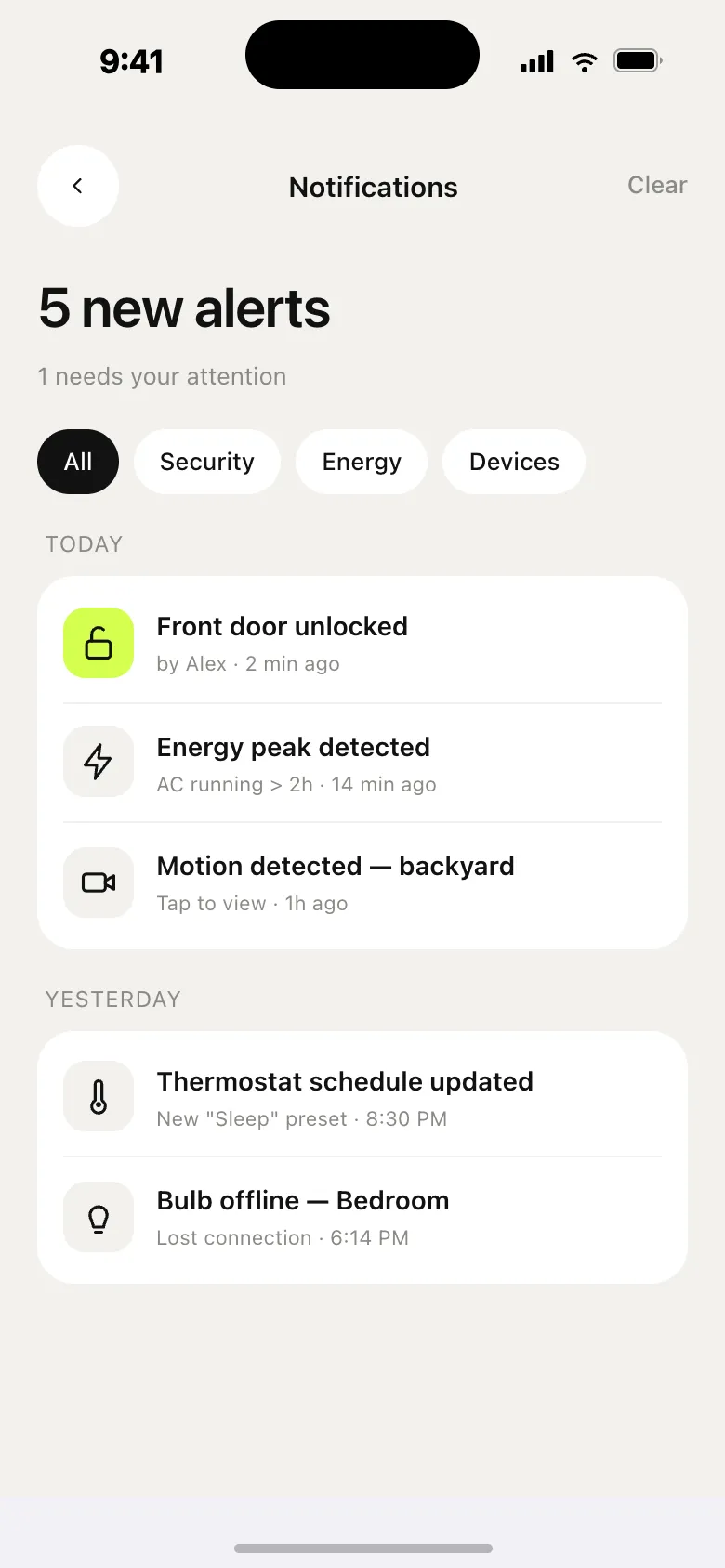
One status line, four live cameras. Alerts get the rose accent — used nowhere else.
Read the full story
Status is one line. Below it a 2×2 grid of live camera feeds. Activity is timestamped, not gamified. Alerts borrow the rose accent — used nowhere else in the app — so they read instantly.
- Calm — a status pill, not a red alarm.
- Live — 4 camera tiles in one glance.
- Scannable — an activity log with icon coding.
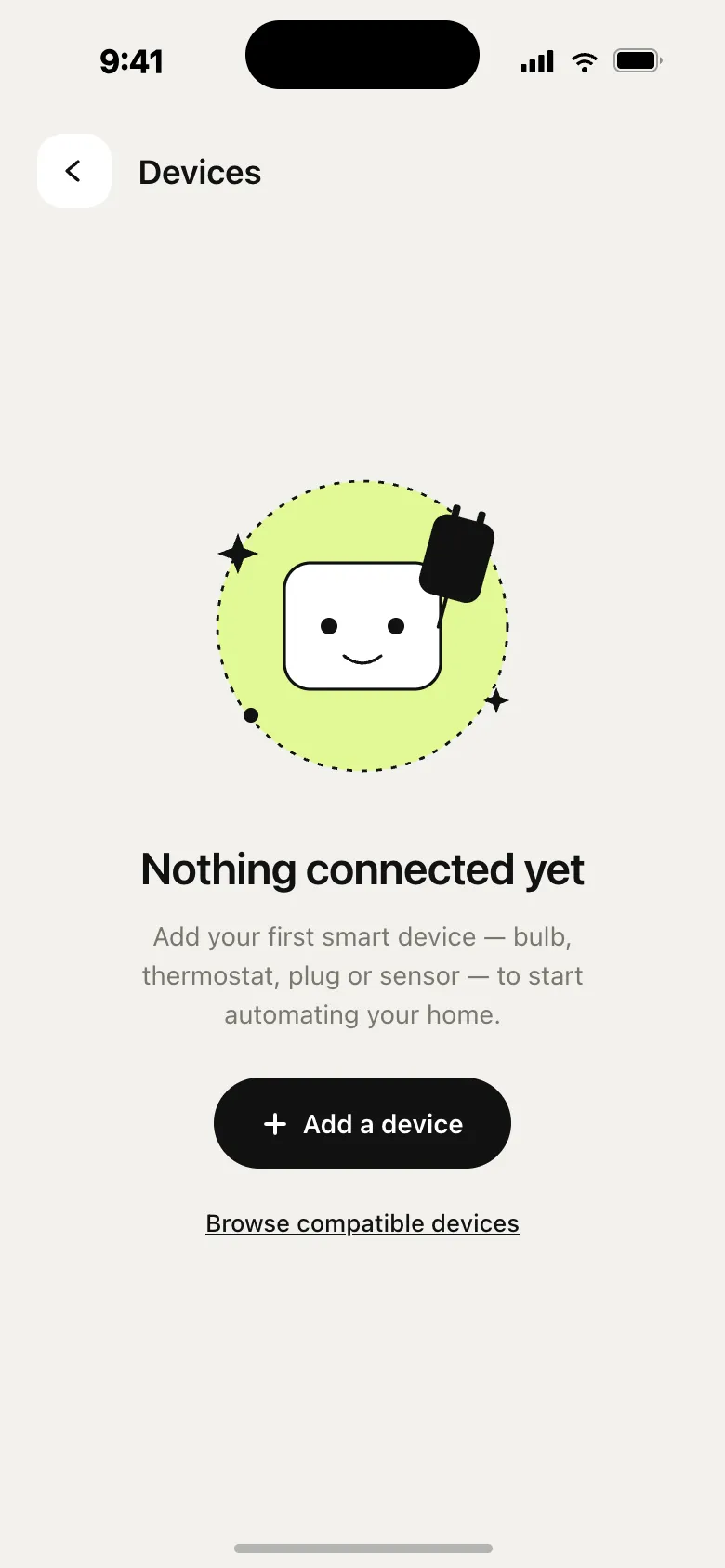
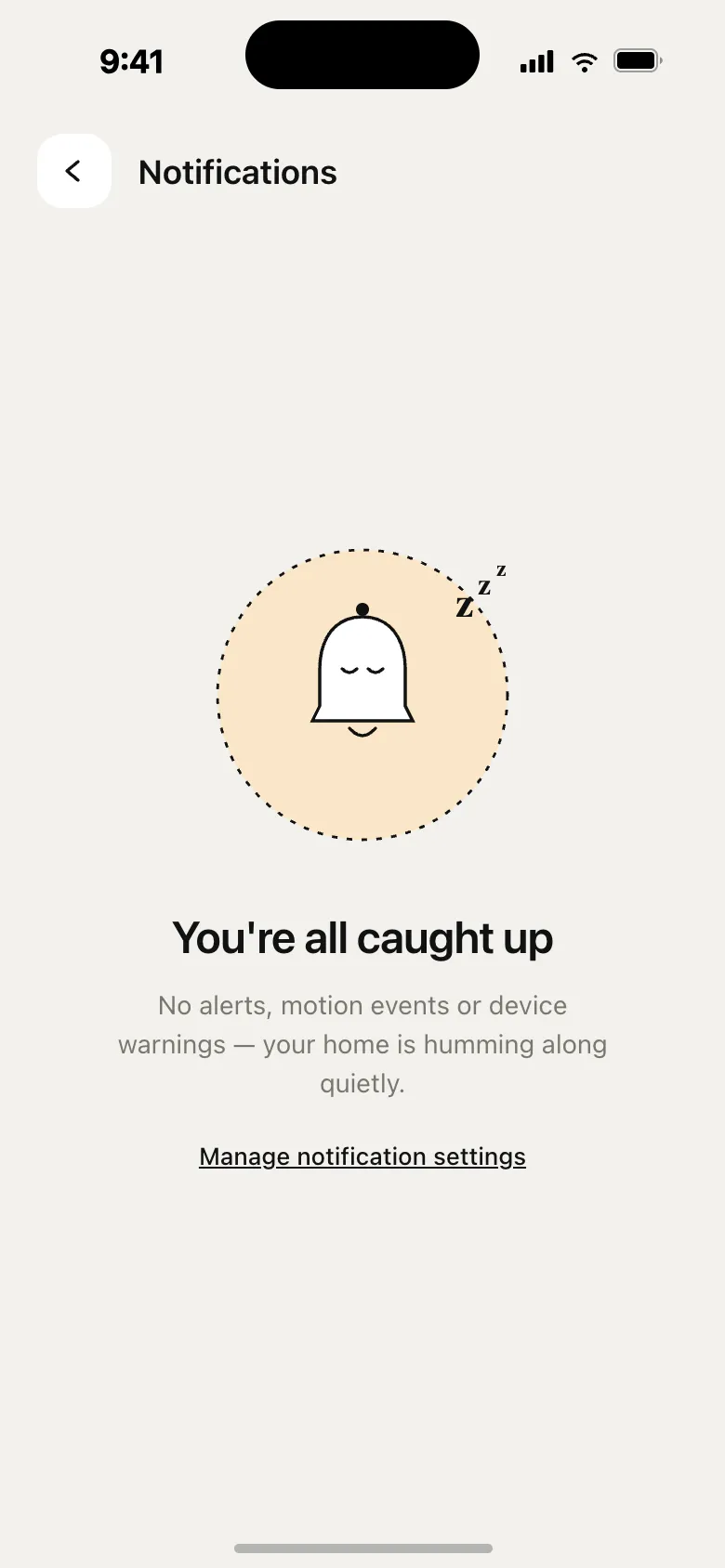
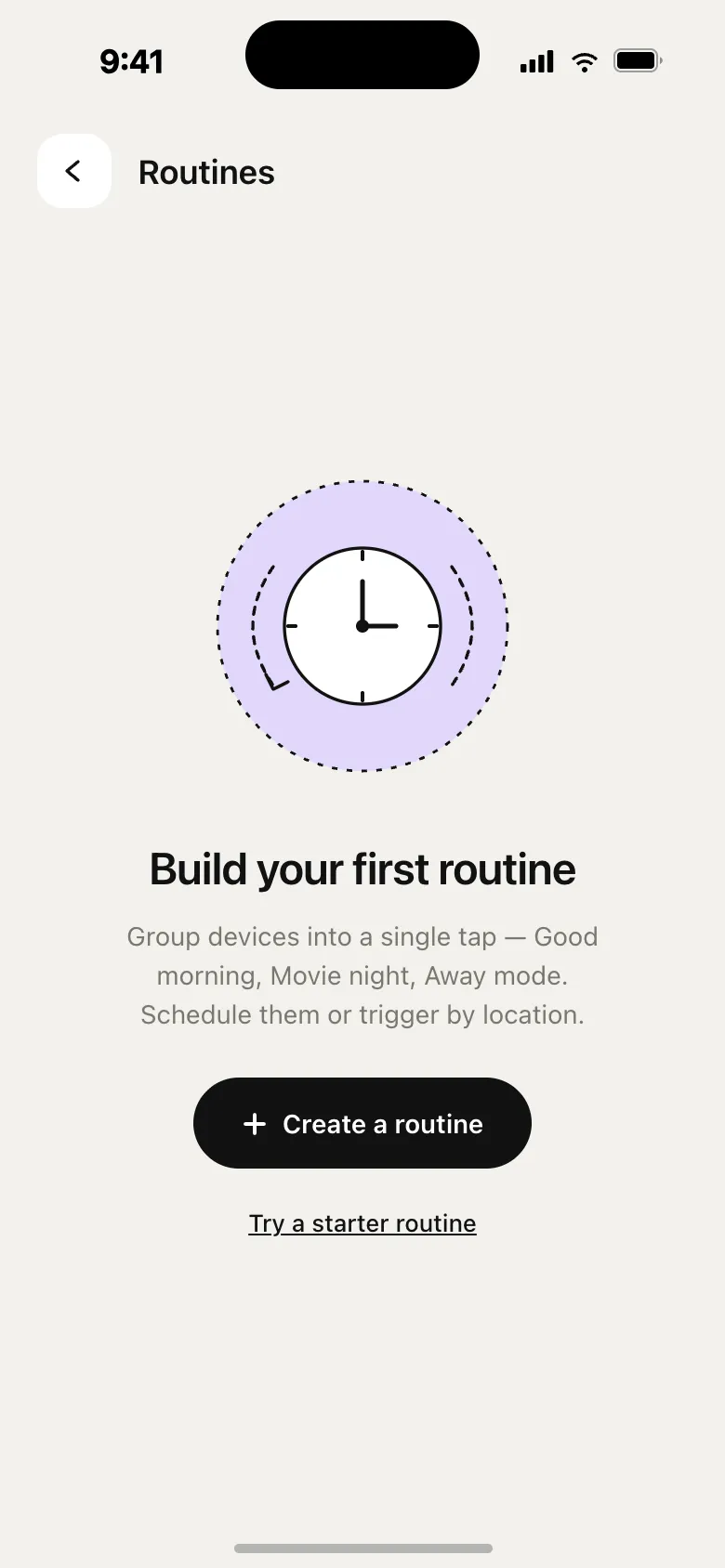
The friendliest screens in the app.
Six illustrations instead of “nothing here”.
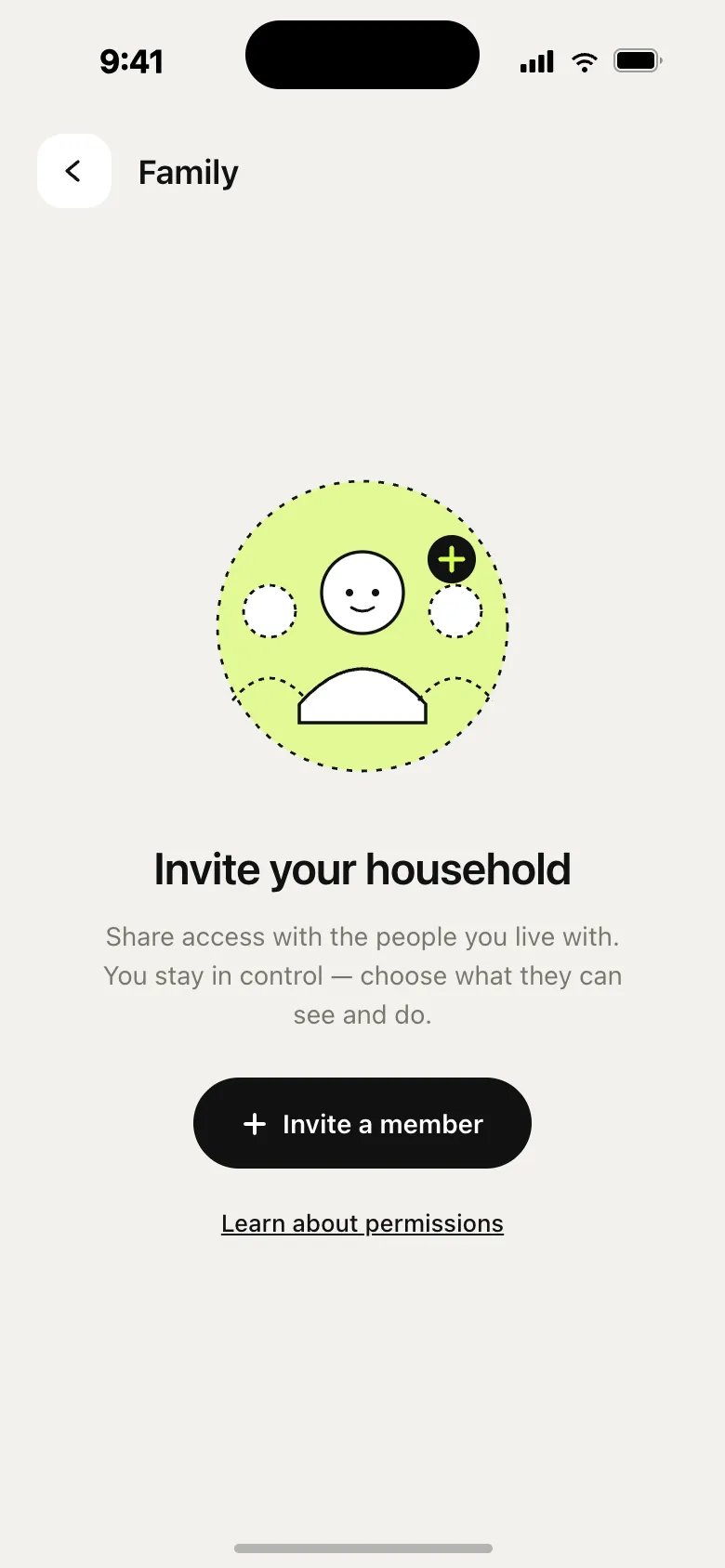
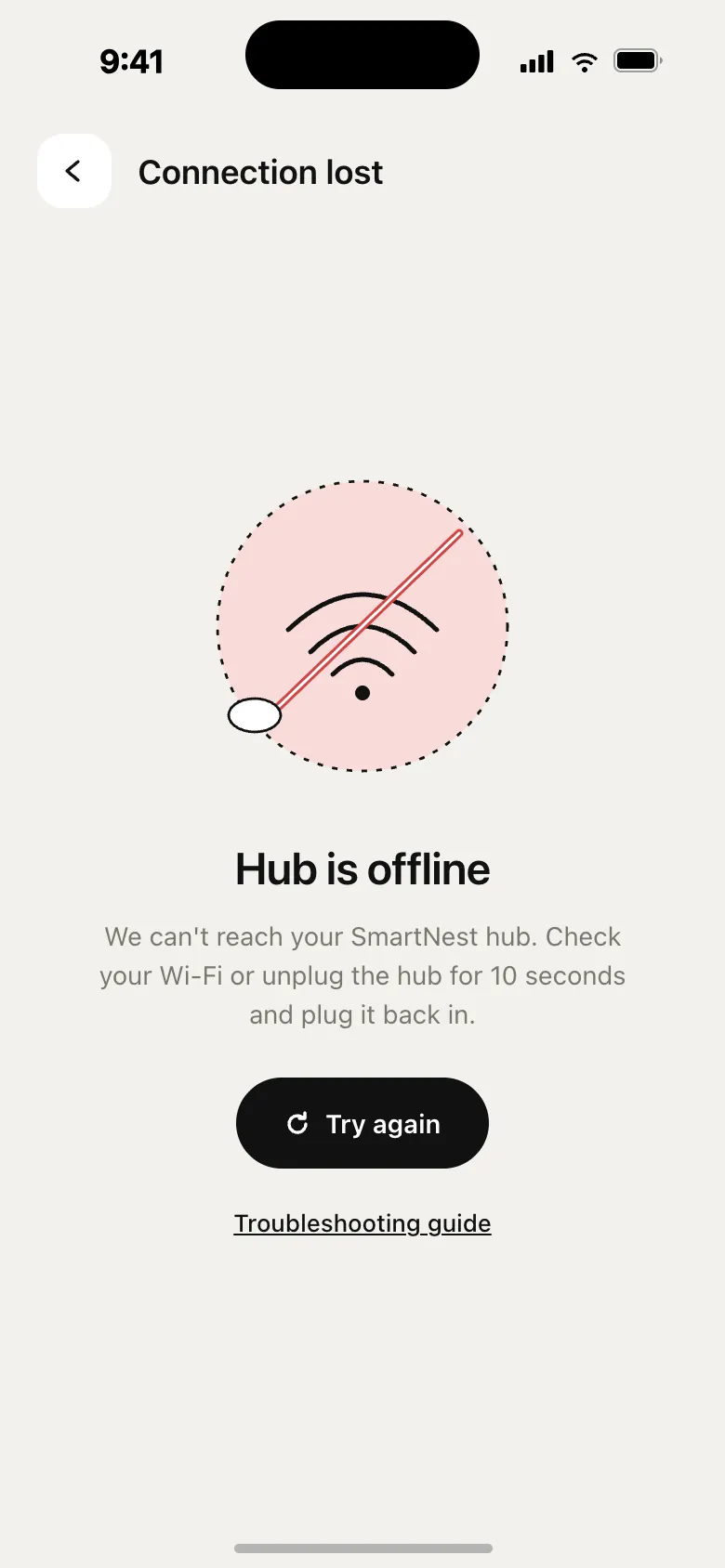
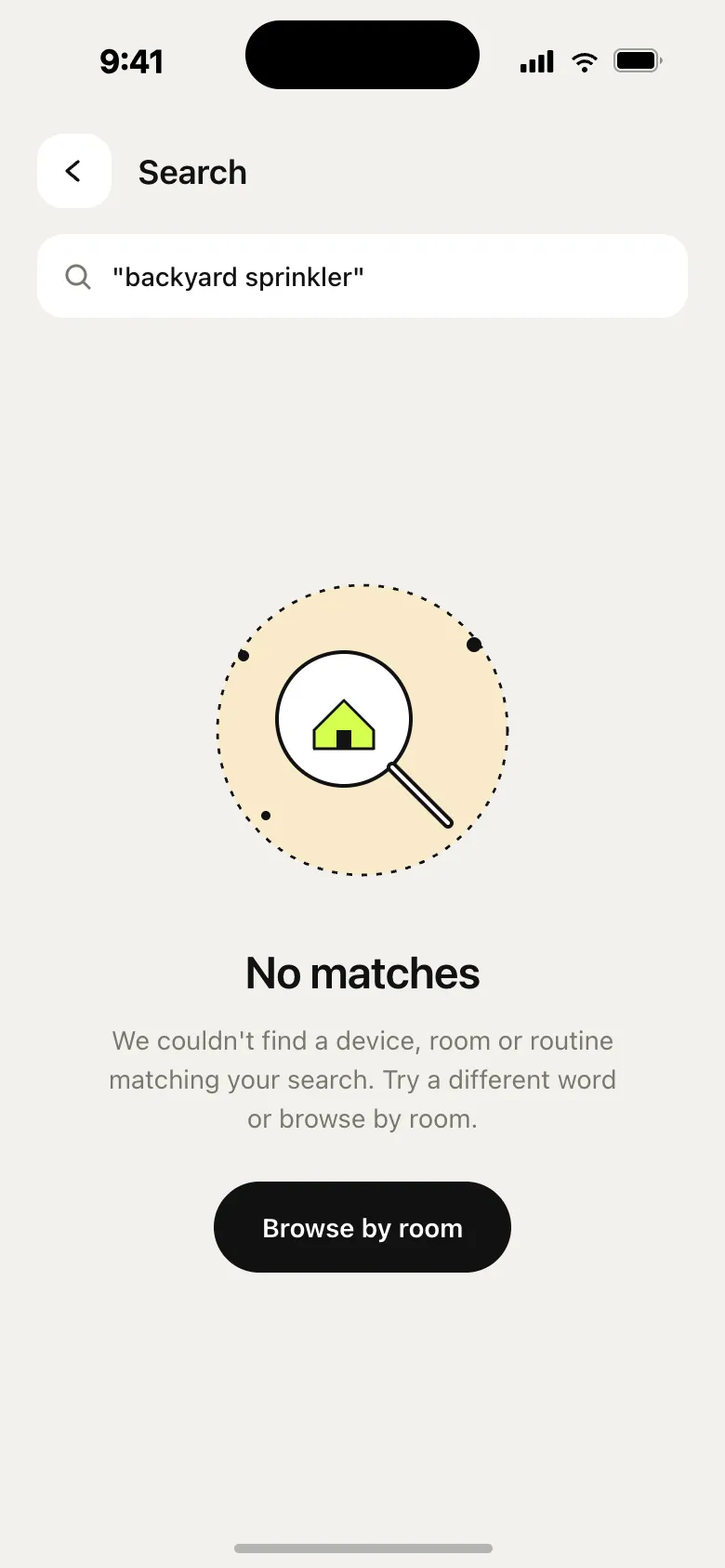
Read the full story
Six handcrafted illustrations replace the standard “nothing here” grey text. They explain the missing thing, hint at the next move, and keep the brand voice when there’s no data to show. All inline SVG, brand-coloured; each suggests the next action; pastel scrims reuse the room palette.
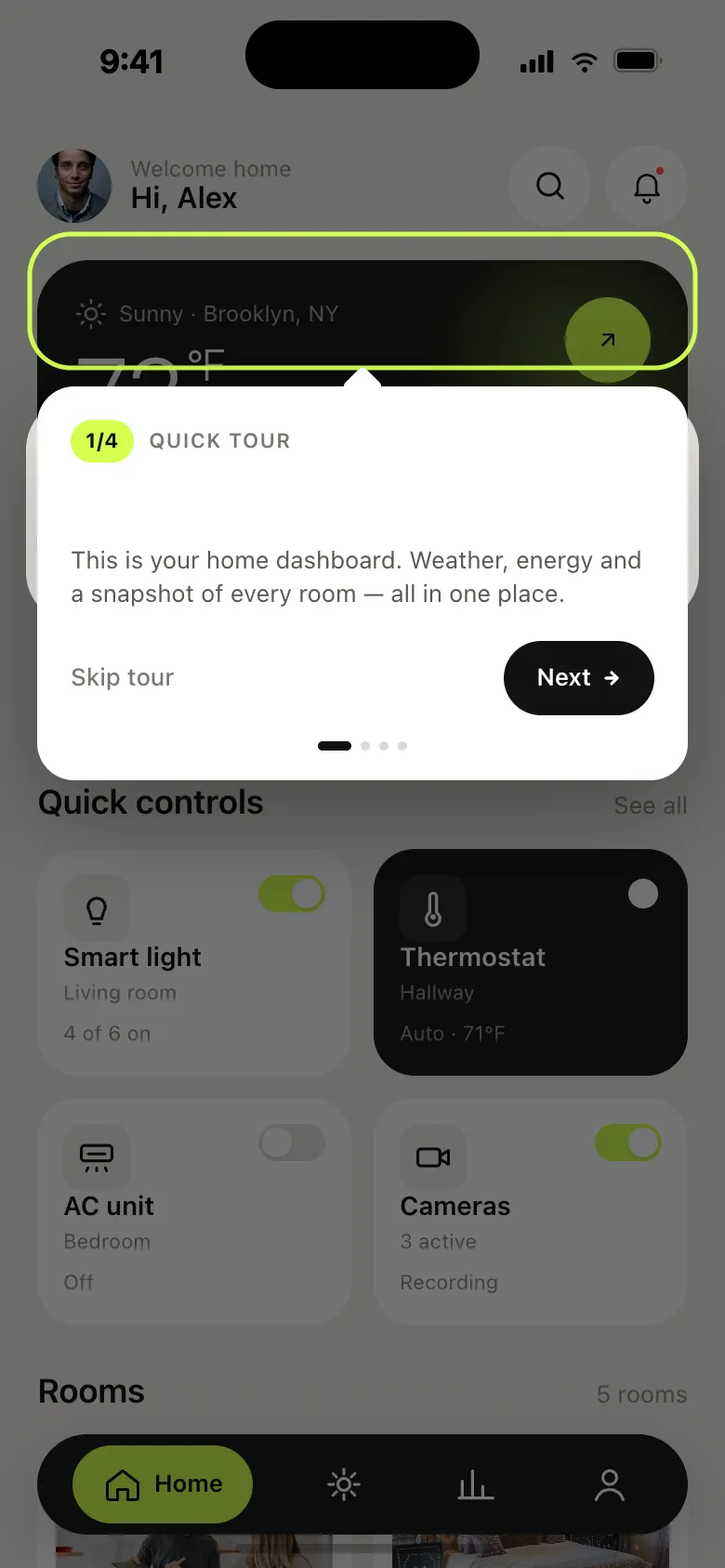
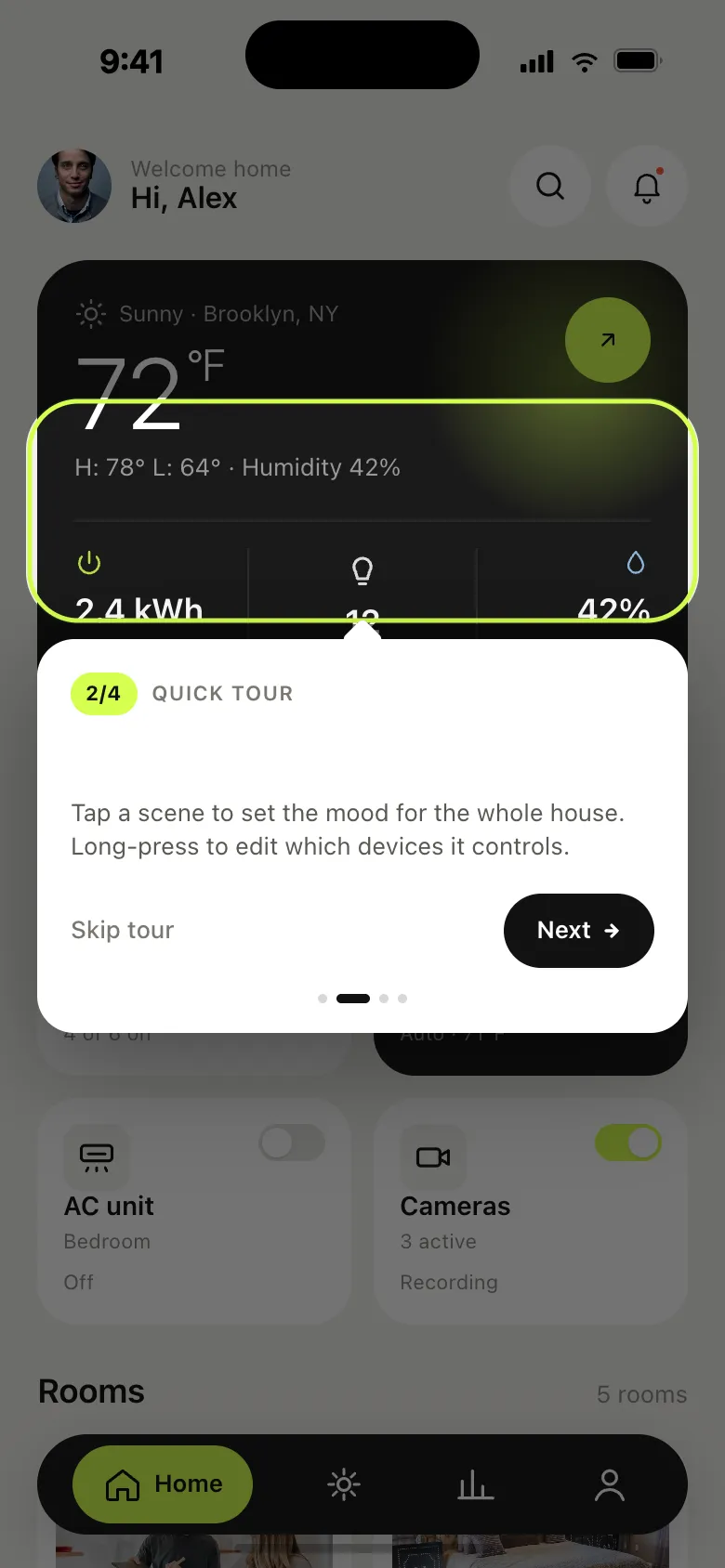
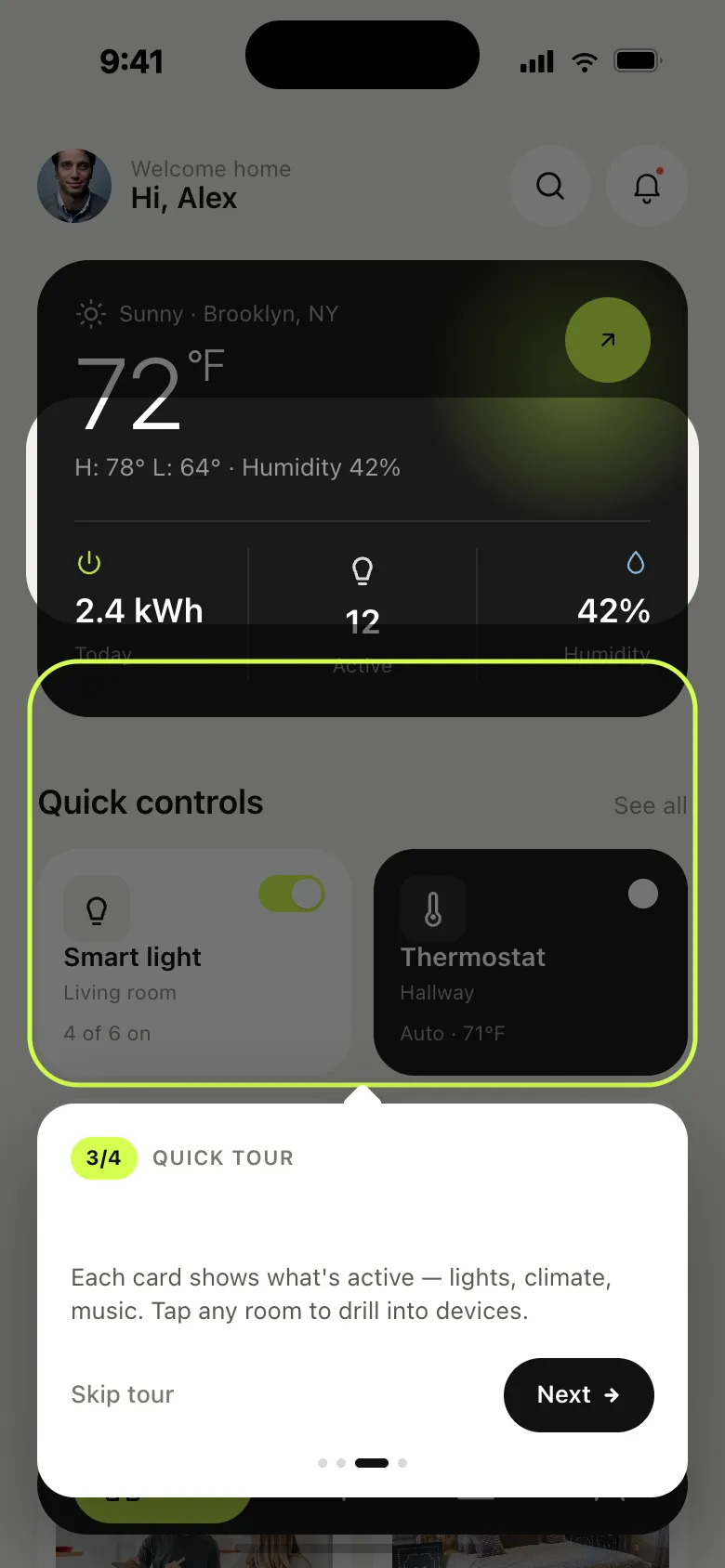
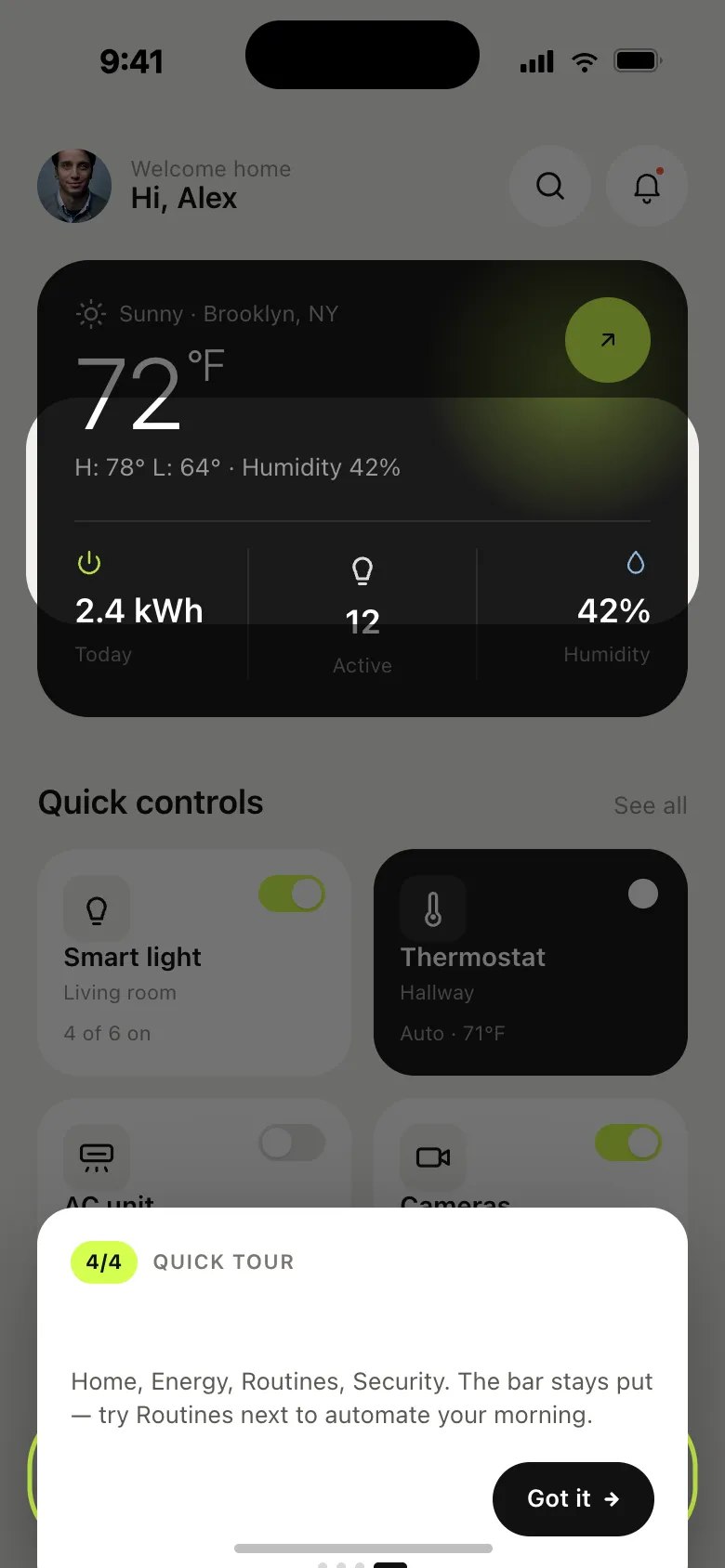
A four-step tour, not a wall of bullet points.
One element at a time, over the real Home.
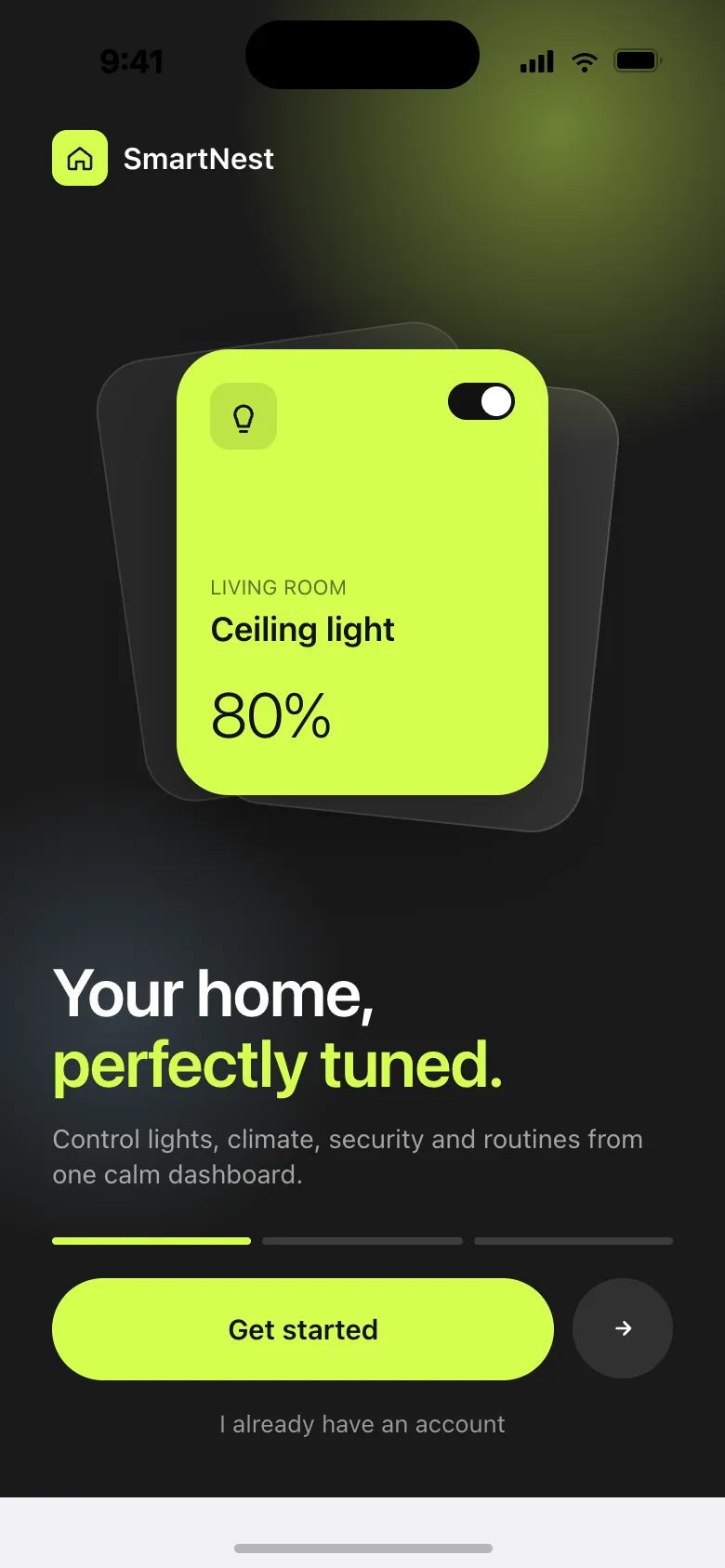
Read the full story
Coachmarks dim the home screen and highlight one element at a time. A single black tooltip explains the surface; a progress bar shows where you are. Skippable, replayable.
- Focused — one affordance per step.
- Context — the tour runs over the real Home, not stock illustrations.
- Control — skip on every step, replay from Profile.
Steps: first run (“Your home, perfectly tuned”), the dashboard, quick controls, rooms, the tab bar.
“Every additional toggle costs trust. Calm comes from a system that decides what matters before you touch the screen.”
The rest of the house.
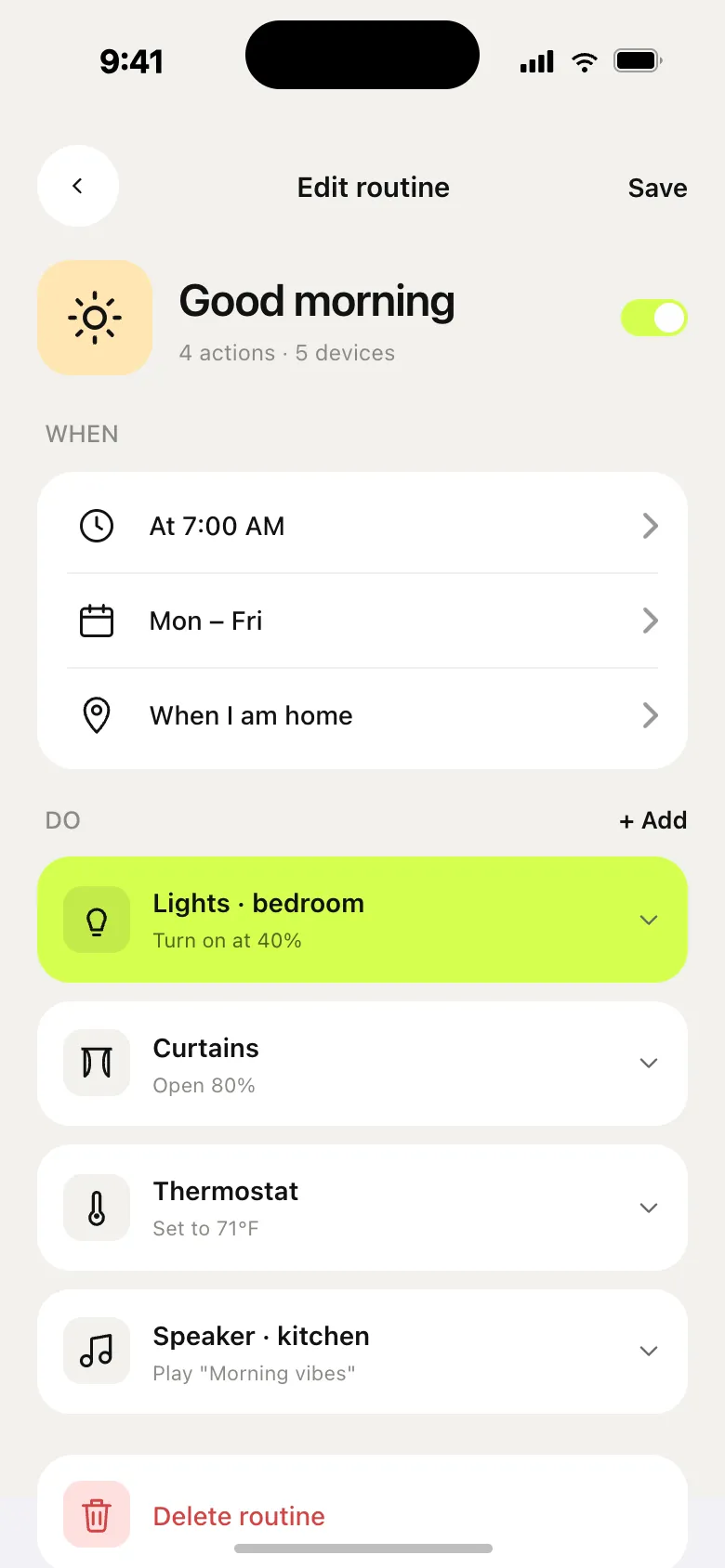
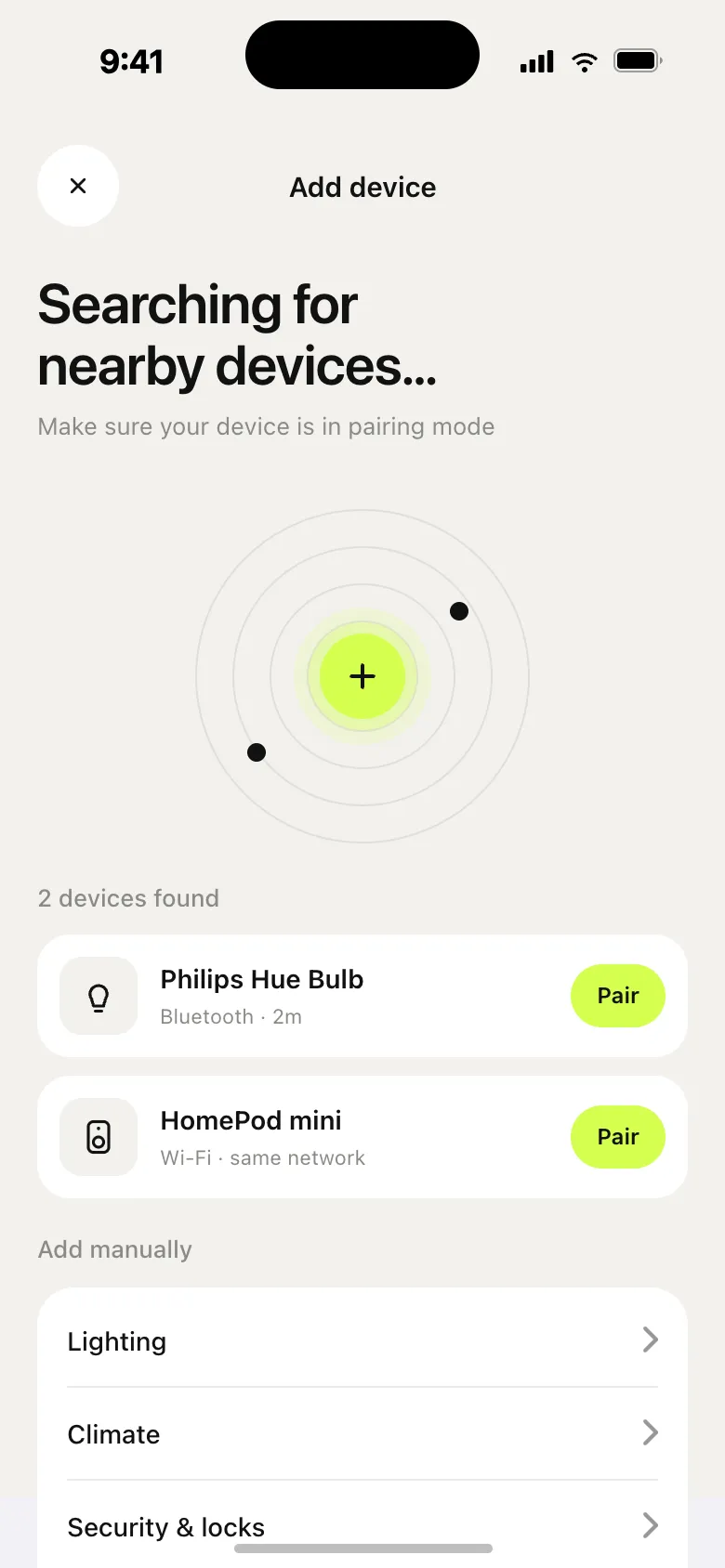
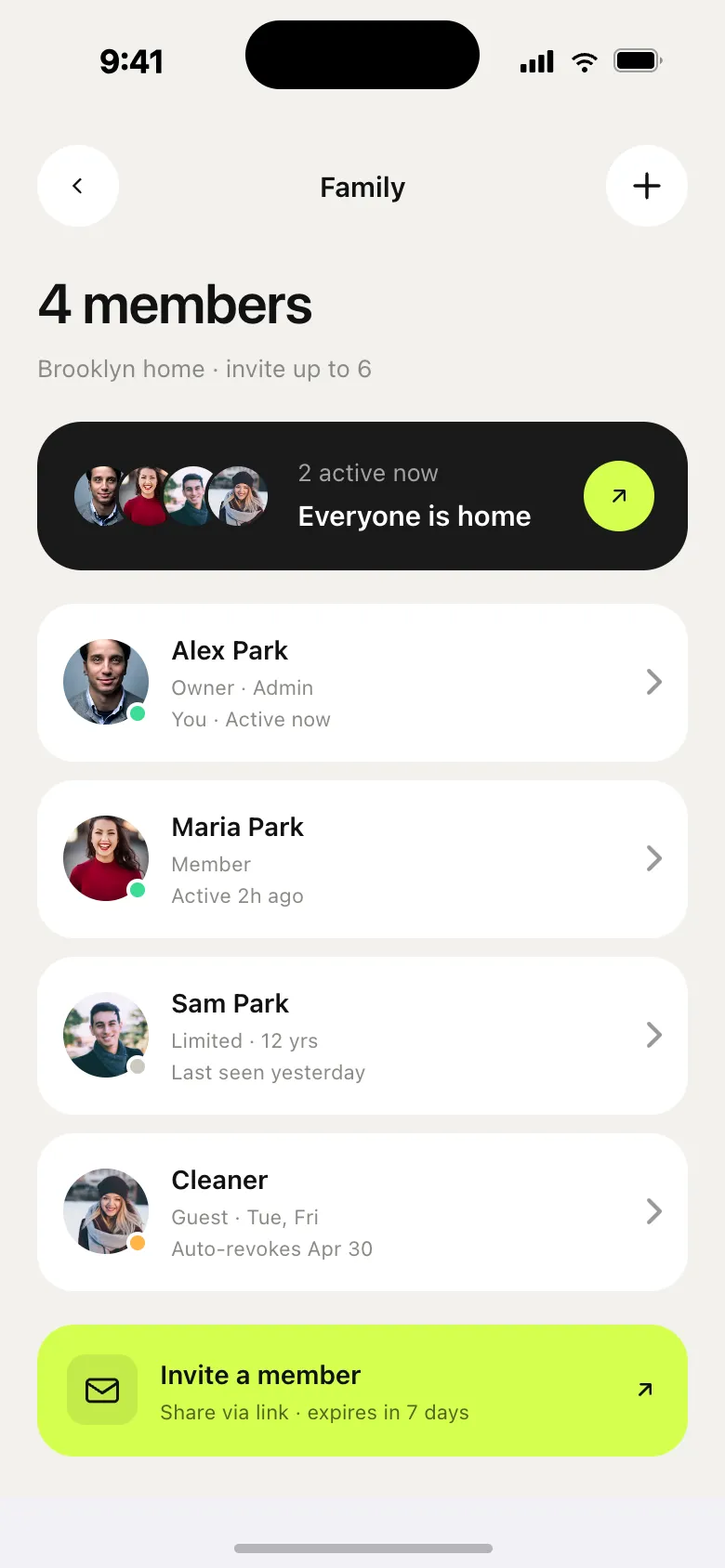
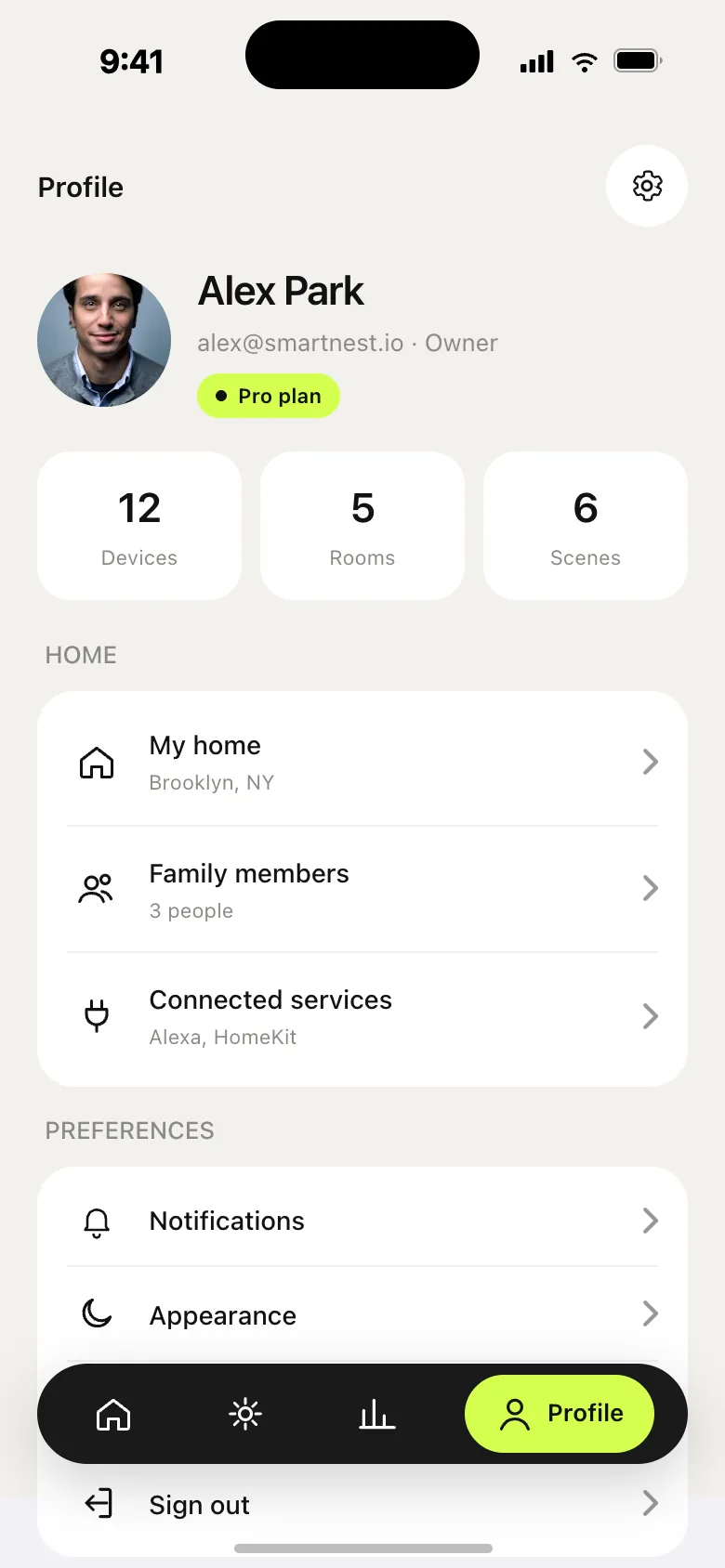
One accent, used like a scalpel.
The only thing that wakes you up.
Numerics, oversized.
Photography is the texture.
Read the full story
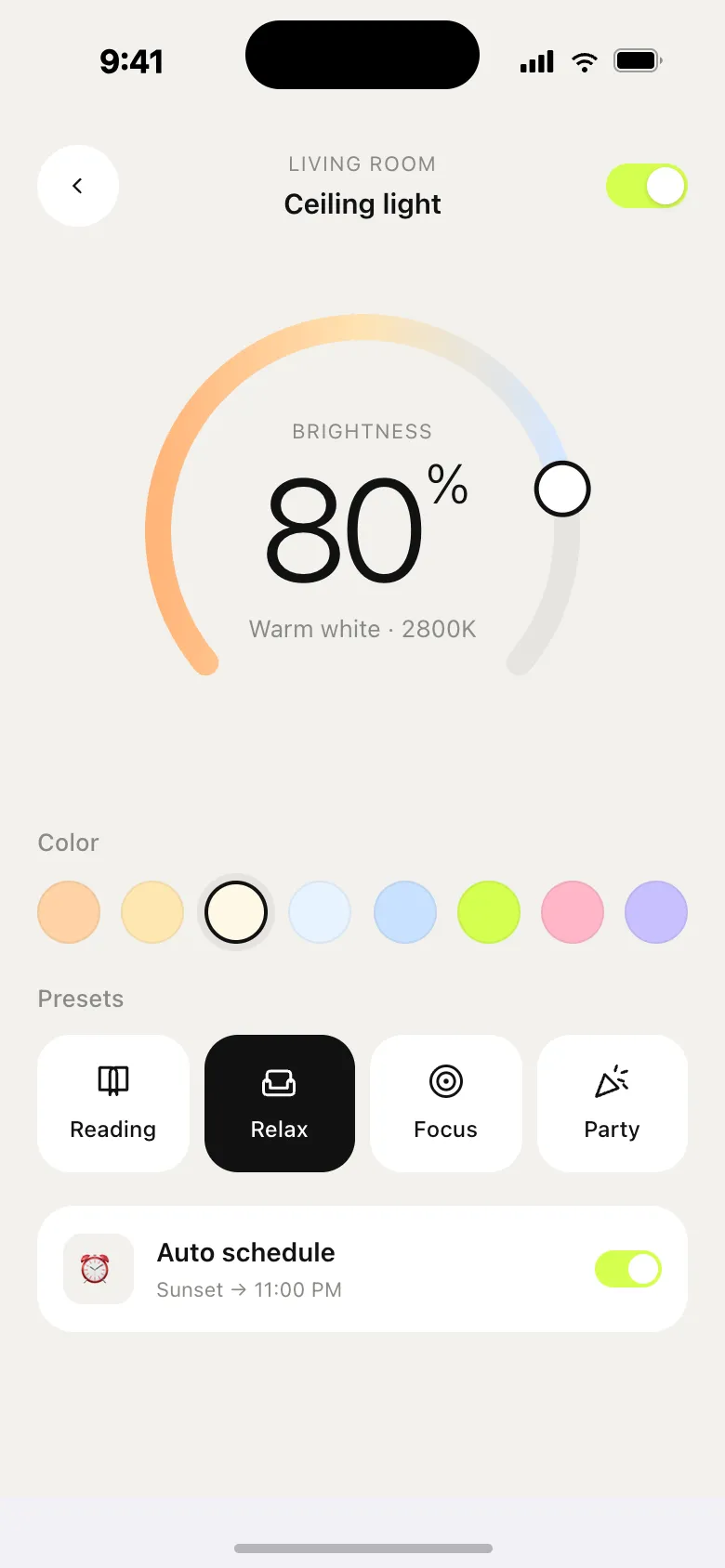
“Lime is the only thing that wakes you up.” One accent, used like a scalpel. It marks the active room, the next action, the only thing on screen worth looking at twice. Used too widely, it loses meaning.
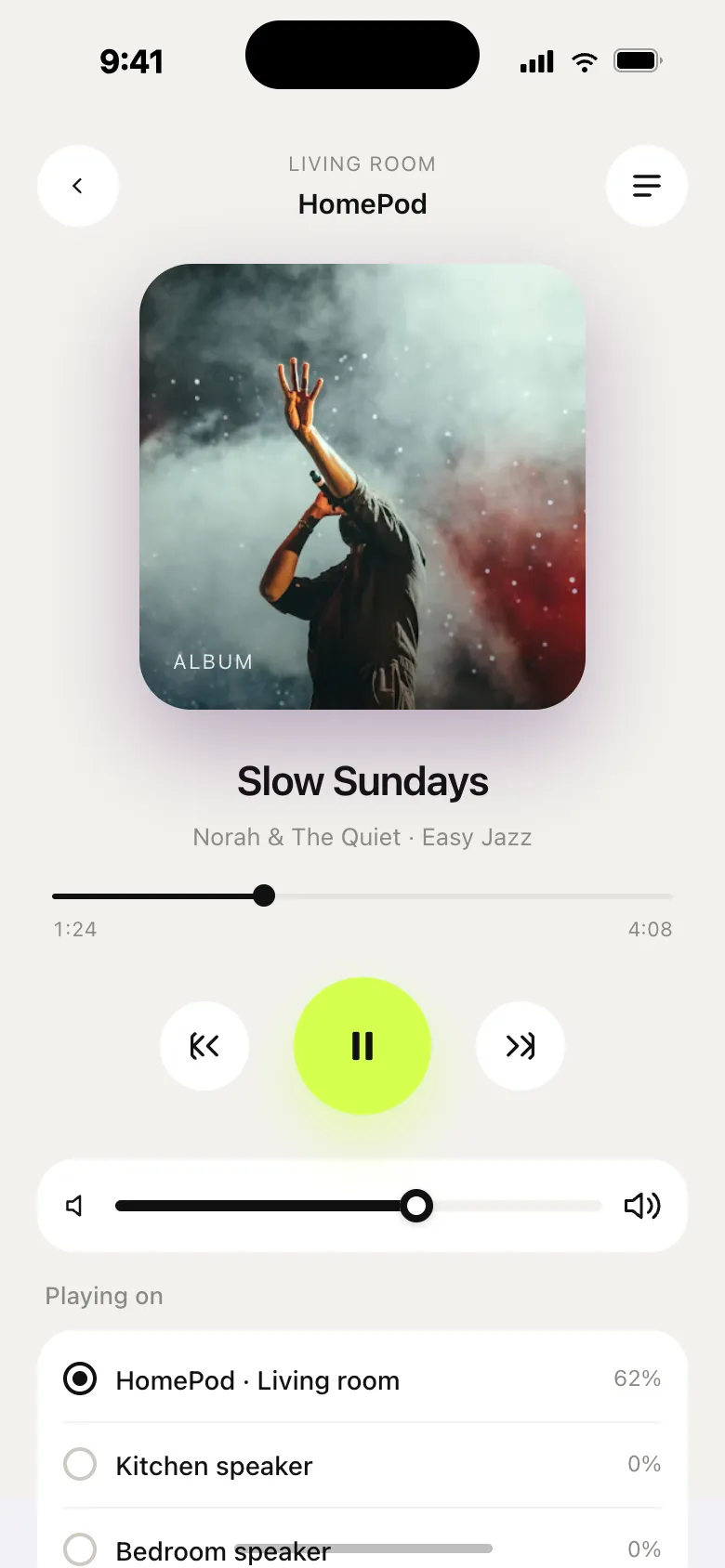
Numerics, oversized. Temperature. Energy. Time. The most important value gets the biggest type — never crowded, never centred-by-default. Tabular figures so they don’t shift while you watch them.
Photography is the texture. Real photos of rooms inside softly-rounded cards. Cream UI around them. The home looks like a home — not a control panel.
A quiet system, six primitives.
Everything else is a recombination.
1.5 stroke · 24 px
Type and component specs
- Display type — 80 / 600 / −0.045em
- Title H1 — 48 / 600 / −0.035em
- Section H2 — 28 / 600 / −0.02em
- Body large — 18 / 600 / 1.5
- Body regular — 14 / 500 / 1.55
- Eyebrow / overline — 11 / 700 / 1.4px
One typeface, four accent hues, six component primitives — everything else in the app is a recombination of these. Specs are tuned for iPhone (390 pt) but scale cleanly to tablet. Icon library: 20 icons, 1.5 stroke, 24 px.
Components: buttons (primary, accent, ghost), toggles & sliders, segmented (Day / Week / Month, Cool / Heat / Off), status badges (Online, Idle, Alert, Offline, +12%, −4%), inputs (“Search devices…”), device card (Bedside lamp · Bedroom · 60% brightness). Built as an interactive React prototype.
See it move.
The live prototype runs in the browser.